Best TradingView Alternatives for Live Charts and Watchlists

TradingView set the bar for browser charts, but different trading styles need different tools. Day traders want faster list and alert handling. Swing traders want clean chart layouts that remember levels. If your daily routine feels slower than it should, it is worth mapping what you need before you switch.
This guide focuses on the parts that shape your day: live quotes, watchlist scale and structure, alert reliability, chart fidelity, and cross-market coverage. You will also see how to move watchlists from TradingView to TickerLists without rebuilding them.
How to choose a TradingView alternative
Price matters, but the wrong fit usually shows up in the small tasks you repeat all day. Use this checklist to pressure test any platform.
- Quote timing. Confirm which exchanges are real time and which are delayed. If you trade US stocks at the open, make sure the platform shows pre-market and after-hours and that alerts trigger during those sessions.
- Market coverage. If you track stocks, ETFs, indices, futures, forex, and crypto, verify that all symbols resolve cleanly and plot on the same charting canvas.
- Watchlist scale and structure. Look for fast batch import, section grouping, drag-to-reorder, sortable columns, and keyboard switching between lists. If you manage sector baskets or multiple strategies, this saves hours per week.
- Alerts you can set in one motion. The ideal flow is click the price or drag a level and press confirm. Check whether alerts persist across sessions and devices, and how quickly they fire relative to live tape.
- Chart fidelity for entries. You should get 1-minute candles for intraday, extended hours overlay, VWAP and bands, session breaks, easy zoom, and layouts that save without fiddling every login.
- Cross-device sync. Lists, alerts, annotations, and layouts should follow your account to phone and desktop. Test it by setting an alert on desktop, then confirm it appears on mobile.
- Company context beside the chart. Range stats, volume, market cap, valuation ratios, earnings dates, and a light news feed help you act without opening extra tabs.
- Import and export. If you are moving from TradingView, check that sections and symbols import cleanly. Export matters too when you want a backup or to mirror a list elsewhere.
Good comparison writing explains tradeoffs, not just features. For a clear example outside finance, see how a publisher breaks down an ai subtitles generator in Best AI Translator for Video Subtitles: Top Picks Compared. The side-by-side format makes it easy to choose by use case rather than hype.
TickerLists: fast watchlists, live quotes, and synced alerts
TickerLists is built for speed and clarity. It covers stocks, ETFs, indices, futures, forex, and crypto in a single web interface. US equities include live quotes during regular and extended hours depending on your data plan. The design puts your lists, charts, and company panel on one screen so you can scan and act without window shuffling.
Watchlists scale. Paste a batch of tickers to create a list in seconds, then organize them into foldable sections by sector, theme, or timeframe. Reorder symbols with drag and drop, sort by last, change, or volume, and switch lists with a single key. If you are coming from TradingView, you can import a CSV export and preserve section groupings so your structure stays intact.
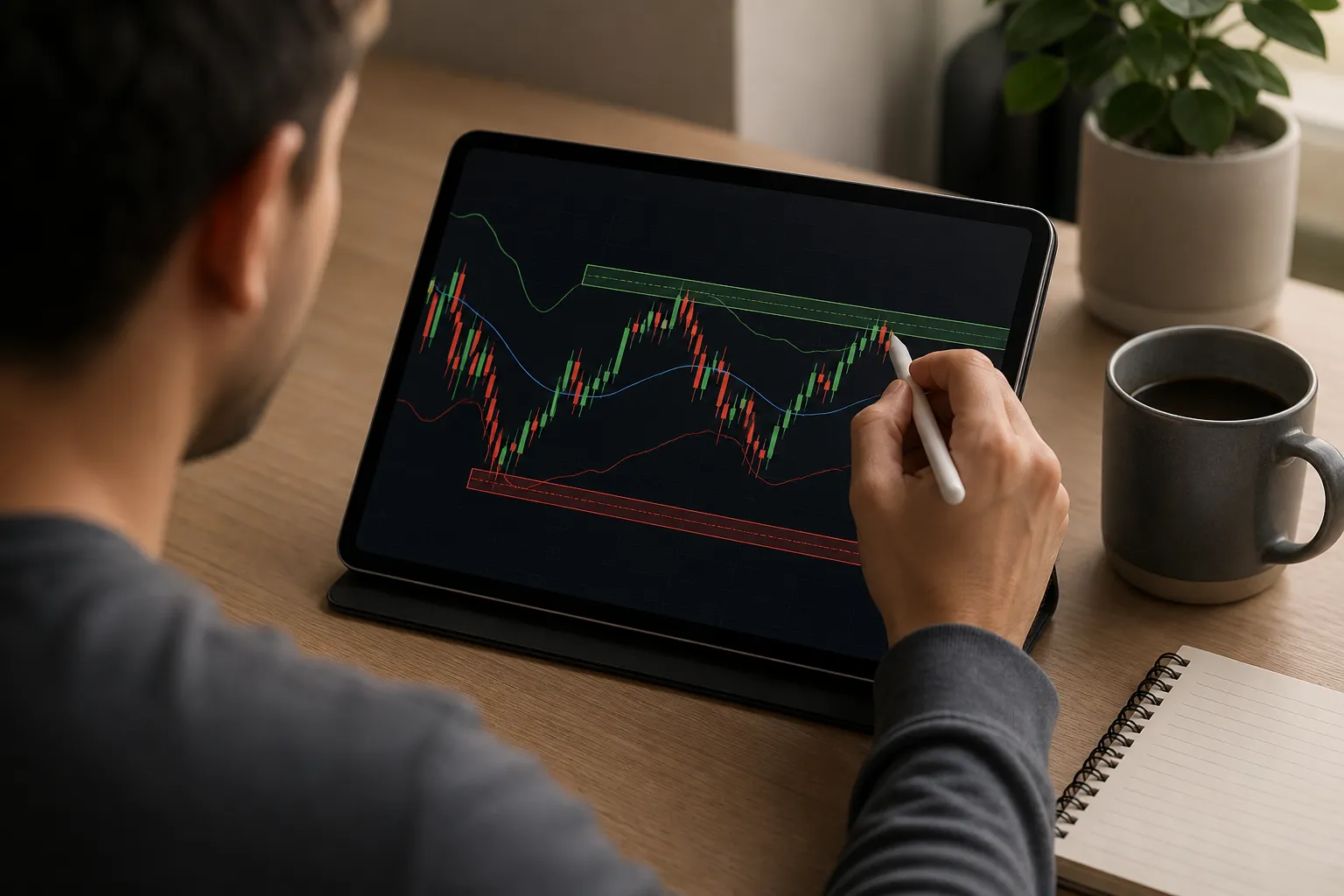
Alerts and levels are quick to set. Click a quote or draw a horizontal level on the chart to create a price alert. Adjust by dragging the line. Store support, resistance, and key levels per symbol and see them the next time you open the chart on any device. Alerts and saved levels sync to your account so your setup is consistent on desktop and phone.
Charts support active decisions. Use candlesticks or lines from 1-minute to weekly, turn on extended hours, and add VWAP with optional bands for context. Zoom with the mouse or trackpad and pan with click-drag so you can mark levels precisely. Save a layout you like and open it later without reconfiguring.
Company data sits beside the price. View day and 52-week ranges, volume, market cap, P/E, the next earnings date, a short profile, and recent headlines while you monitor the tape. This keeps you from toggling between chart and fundamentals.
Trade-offs to note: data timing varies by exchange and plan, so check the venues you trade most. TickerLists does not route orders and does not include a scripting language. If you need broker execution or custom-coded studies inside the chart, plan to pair it with your brokerage platform.
Other platforms compared
Many traders pair a fast web watchlist with a broker platform or a niche tool. Here is how common options line up.
Thinkorswim (desktop, broker-tied)
- Strengths: deep charting and options analysis, account-aware views, native access to your positions and orders.
- Watch for: a heavy desktop install, a long configuration curve, and entitlements that depend on account status. If you only need quick lists, quotes, and alerts in a browser, it can feel slow.
Webull (mobile-first, broker-tied)
- Strengths: a single login for quotes and order entry, options to trade from phone or tablet, and basic charts that travel well.
- Watch for: tighter limits on watchlist organization and chart layouts compared to dedicated charting tools. If you rely on many lists and reusable layouts across devices, you may run into constraints.
MetaTrader 5 (forex and CFDs)
- Strengths: widespread broker support in FX, automated strategies, and a long-standing indicator ecosystem.
- Watch for: equity and ETF access varies by broker, and the interface follows FX conventions. If you want clean, browser-based stock and crypto watchlists, it can feel dated.
StockCharts and Finviz (browser-first scanners)
- Strengths: easy to open, scan, and share. Good for end-of-day chart review, heatmaps, and quick fundamental filters.
- Watch for: delayed data by default and lighter alerting. Intraday traders who want extended hours quotes, fast alerts, and synced layouts often outgrow them.
Move your TradingView watchlists and measure latency
If you switch tools, keeping your structure is the fastest way to stay productive. Here is a simple path from TradingView to TickerLists.
- In TradingView, open the watchlist you want to migrate and export it as CSV. If you use sections, include them in the export.
- In TickerLists, choose Import and upload the CSV. Review the preview to confirm symbols and sections map correctly.
- Save the list. Fold sections, sort columns, and set a default list for your session. Your lists sync to your account for use on desktop and phone.
- Optional: paste a plain list of tickers into a new or existing list to build or merge faster. This is useful for sector rotations or theme baskets.
Once your lists are in place, test data timing and alert behavior for your timeframe.
- Quote checks: pick three liquid tickers you know well. Open the chart with time-and-sales or a fast quote window. Watch how quickly last price updates at the open and during a news pop.
- Extended hours: for US equities, confirm pre-market and after-hours prints appear and that your moving averages or VWAP calculate across sessions the way you expect.
- Alert timing: set a price alert a few cents above or below the market. Nudge price into the level and note the delay between the print and the alert. Repeat on desktop and phone to verify sync.
- Load behavior: switch among large lists and layouts. You should be able to jump between a market-wide list and a focused sector basket without lag.
Key takeaways
- Choose by daily routine, not by logo. Test how a platform handles lists, alerts, chart fidelity, and cross-device sync before you commit.
- If you want a web-first setup with organized watchlists, fast live quotes, price alerts from the chart, extended hours, VWAP, and saved layouts that open the same on every device, TickerLists fits well.
- If you need order routing, account-aware views, or coded strategies inside the platform, keep a broker-tied or FX-first tool in your stack and use a web watchlist alongside it.
- Migrate TradingView lists by exporting CSV with sections, importing to TickerLists, and confirming the mapping. You keep your structure and avoid rebuilding from scratch.
- Measure latency directly. Use liquid tickers, extended hours, and live alert tests so you know how the platform behaves at your pace.
FAQ
What makes TickerLists a strong TradingView alternative?
It focuses on speed and clarity for live charts and watchlists. You get organized lists with sections, unlimited price alerts, VWAP with bands, multi-chart layouts, extended hours quotes for US stocks, and synced accounts across devices.
Can I import my TradingView watchlists into TickerLists?
Yes. You can import TradingView exports with sections or paste a list of symbols. Your sections carry over so you do not have to rebuild your structure.
Does TickerLists support crypto and forex along with stocks?
Yes. You can track stocks, ETFs, indices, futures, forex, and crypto in one place. Market data is real-time or delayed depending on the exchange.
Are quotes live in pre-market and after-hours?
For US stocks, TickerLists shows live quotes including pre-market and after-hours sessions. Check each exchange for real-time or delayed status.
How do alerts work on TickerLists?
Click any price on the chart to set unlimited alerts, or draw entry, stop, and target lines. You can drag levels to adjust and see P/L at each level.
More from the blog
How to Read Stock Charts: A Beginner's Step-by-Step Guide
A practical guide to reading stock charts: candles, timeframes, trend, support and resistance, VWAP, and how to practice with live watchlists and alerts.