TradingView vs TickerLists: Watchlists, Charts, and Alerts
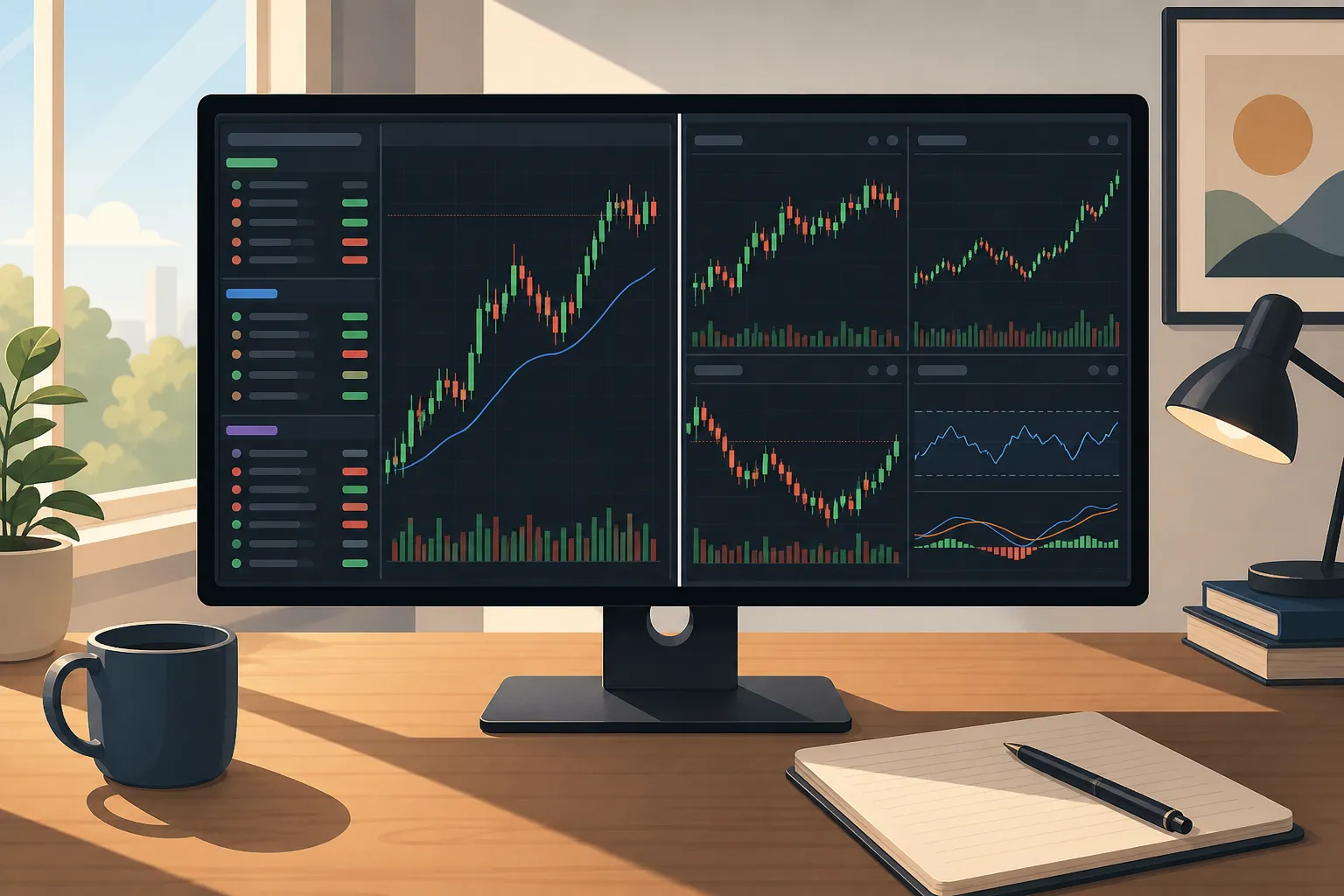
If you watch price all day, seconds matter. You need quotes that do not lag, charts that show your levels without fuss, and alerts that fire the moment price touches your line. This head-to-head looks at TradingView vs TickerLists with a focus on real trading workflows. The goal is simple: help you decide which tool gets you from idea to execution faster.
Who each platform suits and key differences
- Market data
- TickerLists: Real-time or delayed by exchange. US stocks include live quotes with pre-market and after-hours.
- TradingView: Wide global coverage. Real-time feeds require exchange add-ons that vary by plan.
- Charts and layouts
- TickerLists: Candlestick or line charts from 1-minute to weekly, extended hours, VWAP with bands, and one, two, or four charts at once.
- TradingView: Deep customization, multi-chart screens, large indicator library, and scripting.
- Watchlists and alerts
- TickerLists: Unlimited watchlists with sections, up to 200 symbols per list, one-click alerts at any price, and draggable entry, stop, and target lines with P/L at each.
- TradingView: Cross-device alerts and flexible list management. Limits depend on subscription.
- Device sync
- TickerLists: Lists, alerts, levels, and layouts save to your account and sync to mobile. Charts are phone-friendly with pinch-to-zoom.
- TradingView: Broad device support with established mobile apps.
Both cover stocks, ETFs, indices, futures, forex, and crypto. The main split is philosophy. TradingView is a large, customizable toolkit. TickerLists is a focused environment for fast watchlists, clean VWAP charts, and instant alerts and levels.
Market data, coverage, and latency
Latency shows up in your fills. If your alert reaches you a second late on a fast move, you chase or miss. TickerLists provides real-time or delayed data by exchange, and US stocks include live quotes that cover pre-market and after-hours. That lets you track earnings gaps at 8:31 a.m. ET and react to after-hours guidance without swapping feeds.
TradingView can be real-time too, but you choose the exchanges as add-ons. Your latency depends on your plan and which feeds you enable. If you already pay for low-latency feeds inside TradingView and like that setup, nothing changes. If you want a simpler default for US equities where extended-hours quotes are included, TickerLists keeps it straightforward.
For multi-asset traders who flip between ES, NQ, EURUSD, and BTC in the same session, both platforms resolve symbols quickly. The difference is workflow friction when price reaches a level. TickerLists leans into one-click alerts and on-chart trade levels so you can act without digging through menus.
Charts, VWAP, and layouts
You need context and clarity, not noise. TickerLists offers candlestick or line charts from 1-minute to weekly bars. Toggle extended hours to see the full session, add VWAP with bands for intraday mean reversion and trend bias, and use a draggable price axis to frame the trade. A common setup is a 1-minute chart with VWAP bands for execution and a 15-minute chart to track the opening range and prior day levels.
Layouts should mirror how you decide. TickerLists supports one, two, or four charts at once and lets you save them. Examples that work in practice:
- Single-chart execution: 1-minute with VWAP on your A-list name.
- Duo view: 15-minute on the left for structure, 1-minute on the right for entries.
- Four-up scan: leaders by volume to spot relative strength into the open.
Charts sync to mobile with pinch-to-zoom so you can check levels while away from the desk without losing detail. If you prefer a large library of indicators or you write custom scripts, TradingView’s ecosystem is the draw. If you want a clean, fast view with VWAP and quick layouts, TickerLists sticks to the essentials and stays out of your way.
Watchlists, alerts, and trade levels
Good lists cut decision time. TickerLists lets you build unlimited watchlists with up to 200 symbols each, grouped into foldable sections. You can drag to reorder, sort by price or percent change, and quick-switch with a key to move between lists. A practical use is keeping separate sections for earnings, momentum, and swing candidates so you can collapse what you do not need during peak volatility.
Alerts should be instant, visible, and simple to place. In TickerLists you click any price on the chart to set unlimited alerts. You can also lay down entry, stop, and target lines, then drag them to refine. P/L at each level updates as you move the lines, which makes risk mapping quick. Typical flow: mark a 1.5R target, size against the stop shown on the chart, and place the alert at the entry so you get pinged only when price comes to you.
For added confidence on fast intraday trades, TickerLists includes an entry check on today’s 1-minute chart. One button suggests an entry, stop, and target, and shows the odds that the target is reached first. You still make the call, but you get a quick sense check without leaving the chart.
TradingView also covers alerts and watchlists well, with strong cross-device support. If your current workflow relies on community indicators that trigger alerts, you will feel at home there. If you want alerts and trade levels living on the same uncluttered chart you use to execute, TickerLists keeps the loop tight.
Migration and first-hour setup
If you are moving from TradingView, you do not need to rebuild lists by hand. TickerLists imports TradingView exports with sections intact. You can also paste symbols in bulk or type to add single names as you review. A practical first hour:
- Import your core watchlists with sections. Keep each list under 200 symbols to stay fast.
- Create two layouts: a single 1-minute chart with VWAP and extended hours, and a four-chart layout to scan leaders by volume and range.
- Set alerts on your A-list names by clicking the key levels. Add entry, stop, and target lines and confirm the P/L matches your playbook.
- Turn on phone sync and test pinch-to-zoom so you can manage levels on the go.
- Open company data on a few names to check day and 52-week ranges, volume, market cap, P/E, next earnings date, profile, and the latest news.
If your workflow spans multiple tools, keep friction low. When teams build internal dashboards or SaaS utilities, a starter like ShipAhead can handle boilerplate so focus stays on the decision logic. Treat your trading stack the same way. Keep only the pieces that make you faster at identifying levels and acting with discipline.
Choose TradingView if you want a broad, customizable platform with a large indicator set and scripting, and you plan to invest time in tuning your layouts and alerts around that ecosystem.
Choose TickerLists if your priority is fast watchlists with sections, live US quotes with extended hours, clean VWAP charts, multi-chart layouts, and one-click price alerts and trade levels that sync across devices.
Key takeaways
- TickerLists emphasizes speed: sectioned watchlists, live extended-hours quotes for US stocks, VWAP with bands, and one, two, or four-chart layouts.
- Alerts and trade levels in TickerLists are one click, with draggable entry, stop, and target lines plus on-chart P/L for quick sizing.
- Market data in TickerLists is real-time or delayed by exchange; US equities include pre-market and after-hours by default.
- Moving from TradingView takes minutes. Import your lists with sections, save two core layouts, and set alerts at your levels.
FAQ
Is TickerLists a good TradingView alternative for intraday trading?
Yes. If you want fast watchlists with sections, live quotes including extended hours for US stocks, VWAP, multi-chart layouts, and one-click price alerts, it fits that use case well.
Can I import my TradingView watchlists into TickerLists?
Yes. You can import TradingView exports with sections, or paste a list of symbols. Your structure comes across so you do not have to rebuild it.
Does TickerLists support crypto watchlists and charts?
Yes. You can track crypto alongside stocks, ETFs, indices, futures, and forex, with candlestick or line charts and multi-chart layouts.
Are TickerLists stock price alerts limited per account?
You can set unlimited alerts by clicking any price level, then drag to adjust as your plan evolves. Alerts sync with your account across devices.
Does TickerLists show pre-market and after-hours prices?
Yes. US stocks include live quotes with pre-market and after-hours, and charts can display extended hours for full context.
More from the blog
Best TradingView Alternatives for Live Charts and Watchlists
Compare fast watchlists, real-time quotes, alerts, and latency across TradingView alternatives, plus how to import TradingView lists into TickerLists.
How to Read Stock Charts: A Beginner's Step-by-Step Guide
A practical guide to reading stock charts: candles, timeframes, trend, support and resistance, VWAP, and how to practice with live watchlists and alerts.