Best Charting Platforms for Watchlists, Alerts, and Layouts
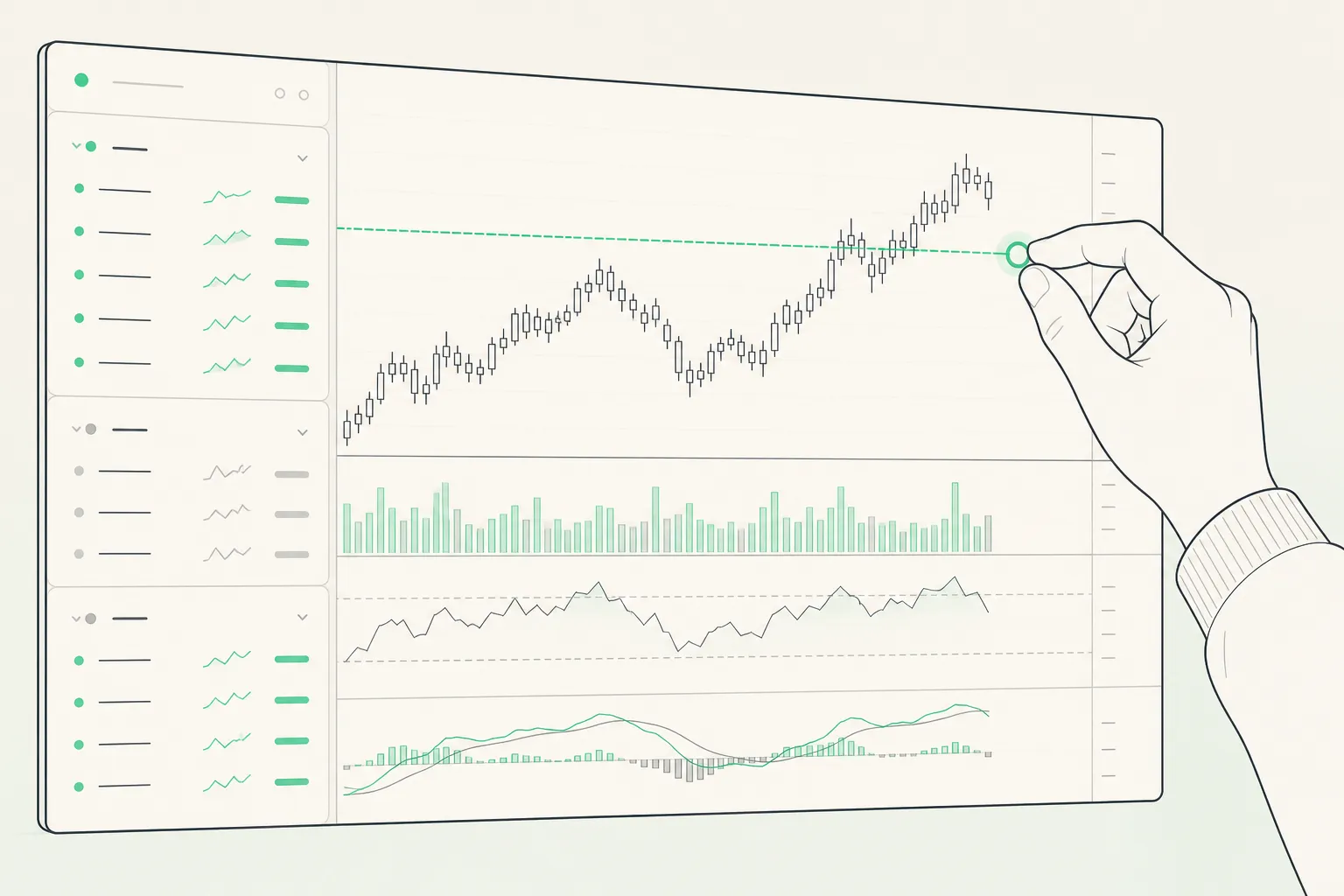
Your charting platform should disappear into your routine. When the bell rings, you need symbols organized, alerts firing on time, and layouts that match how you trade. The picks below focus on practical speed: watchlists that scale, alerts you can trust, and live charts that make entries and exits clear.
What to look for in a daily driver
Judge platforms by how they reduce friction in a normal session. These factors consistently separate smooth tools from clunky ones:
- Coverage and latency transparency. Confirm support for stocks, ETFs, indices, futures, forex, and crypto. Make sure the platform labels which exchanges are real time and which are delayed. Many futures and index feeds are delayed 10 - 15 minutes on basic plans; that is fine for end-of-day checks, not for open-driven trades.
- Watchlist depth and control. Look for unlimited or generous lists, sections you can fold, column sorting, keyboard add, and fast symbol switching. You should be able to keep “Today’s plan,” “Core swing,” and “Earnings this week” as separate sections without juggling tabs.
- Live chart quality. Intraday timeframes from 1-minute up through daily and weekly, extended-hours for US stocks, precise drag on the price axis, and smooth mouse or pinch zoom. Session breaks and timezone handling should be obvious and consistent.
- Alerts you can set in seconds. Set from the chart or list, drag to adjust levels, and edit in bulk. Alerts should support both regular and extended hours so premarket outsized moves do not slip past you.
- Layouts you can trust. Save one-, two-, and four-chart views and recall them with a click. Your saved views should sync to your phone without rework.
- Import and symbol hygiene. Paste a ticker list, or import a CSV from another platform with sections intact. Good tools handle symbol mapping cleanly (e.g., AAPL vs NASDAQ:AAPL, continuous futures, crypto pairs on different venues).
- Company context. Basic fundamentals (market cap, P/E, volume), ranges, earnings dates, and news in the same workspace reduce app switching.
- Must-have indicators. For intraday, VWAP and bands are table stakes. If you use risk lines, you should be able to draw entry/stop/targets and see distance and P/L at a glance.
Best platforms by use case
TickerLists: Fast watchlists, unlimited alerts, simple multi-chart views
Why it stands out. TickerLists keeps the daily loop tight: build lists, set levels, monitor clean charts. Create unlimited watchlists with up to 200 symbols each, nest them into foldable sections, drag to reorder, and sort by change, volume, or custom notes. It works equally well for a crypto watchlist, a forex list, or a cross-asset view.
Charts and layouts. Candles or lines from 1-minute through weekly with extended-hours for US stocks. Add VWAP with bands for intraday reference. Toggle 1, 2, or 4 charts and save the layout. Drag the price axis for exact levels, and pinch-to-zoom on mobile.
Alerts and levels. Click the chart to drop unlimited alerts. Draw entry, stop, and target lines, then drag to adjust; see real-time P/L and distance on each level. The entry check button looks at today’s 1-minute action and suggests an entry, stop, target, and the likelihood the target hits first so you can sanity-check a plan fast.
Data and coverage. Track stocks, ETFs, indices, futures, forex, and crypto with live quotes that include premarket and after-hours for US equities. Exchanges are clearly labeled as real time or delayed. Company data covers ranges, volume, market cap, P/E, next earnings date, profile, and news.
Workflow perks. Everything saves to your account and syncs across desktop and phone. Import TradingView exports with sections intact, or paste a list to get started in seconds. If you want a focused alternative for lists, alerts, and layouts, this is an easy fit.
- Pros: Excellent list management. Unlimited chart alerts. VWAP with bands. Multi-chart layouts. Simple TradingView import. Extended-hours quotes. Cross-device sync.
- Cons: Real-time depth varies by exchange. Indicator set stays focused rather than broad.
Best for: Traders who live in watchlists and alerts and want clean intraday charts across assets.
TradingView: Community ideas and a vast indicator library
Why it stands out. TradingView pairs solid charting with a huge library of community and official indicators and social “ideas.” If you explore many signals or like seeing how others frame setups, it is a strong choice.
- Pros: Pine Script ecosystem, crowdsourced indicators, broad market coverage.
- Cons: The breadth can slow decision-making if you only need tight lists, alerts, and a few layouts.
Best for: Traders who value community tools and customization.
Thinkorswim: Research and execution in one place
Why it stands out. Thinkorswim is a full trading workstation tied to brokerage accounts. If you prefer analysis, scanning, and order entry in a single desktop-style app, it fits.
- Pros: Deep analysis tools, integrated orders, flexible chart customization, paper trading.
- Cons: Heavy install and learning curve; best if you plan to execute there.
Best for: Traders who want research and execution under one roof.
TrendSpider: Automated lines and level-driven alerts
Why it stands out. TrendSpider automates trendlines and supports rules-based alerts when price interacts with levels. It helps systematize prep if you rely on patterns and multi-timeframe analysis.
- Pros: Auto trendlines, level and pattern alerts, structured chart prep.
- Cons: Best if your edge comes from pattern discovery, less critical if you mostly manage lists and layouts.
Best for: Traders who want software to handle line work and alerts around key levels.
Coinigy: Crypto-first lists and charts
Why it stands out. Coinigy focuses on digital assets. If most of your tracking is on crypto venues, a crypto-native watchlist and charting setup can be simpler than repurposing an equity platform.
- Pros: Crypto-centric watchlists and layouts, wide exchange coverage.
- Cons: Not ideal if you need equities or multi-asset workflows beyond crypto.
Best for: Traders who want a dedicated crypto workspace.
Coverage, latency, and performance that impact entries
Always verify what is real time and what is delayed. Blended coverage can mean one ticker updates tick-for-tick while another lags. For example, a US stock on a real-time feed will reflect premarket gaps immediately, while an index or futures contract on a delayed plan may trail by 10 - 15 minutes. If your edge lives in the first 15 minutes, delayed feeds will cost you fills.
Extended-hours support matters too. You want charts and alerts that respect premarket and after-hours sessions. If AAPL tags your level at 8:15 a.m. ET, an alert that only listens during regular hours will miss it. Good platforms let you choose whether alerts fire in ETH, RTH, or both, and show extended sessions on the price axis so levels line up visually.
Perceived speed comes from basics done right: quick symbol navigation, reliable websockets for live quotes, caching that keeps recent charts hot, and clean sync so a layout saved on desktop is ready on mobile. If you enjoy the technical side of why some apps feel faster, the Nuxt SaaS boilerplate team’s guide to Nuxt middleware for SaaS and AI apps breaks down how middleware decisions affect routing, auth, and data fetching. That context helps explain why watchlists load instantly in some tools and stutter in others.
7-day setup and import checklist
Give any platform a week under real conditions. This plan exposes gaps before you commit:
- Day 1: Import and structure. Import your current lists. If coming from TradingView, export your lists to CSV and bring them into TickerLists with sections preserved. Clean symbol formats (AAPL vs NASDAQ:AAPL), map continuous futures if you use them, and group by intent: “Today,” “Swing,” “Earnings,” “Watch later.”
- Day 2: Layouts. Save three views you will actually use: single-chart for deep work, two-up for compare (e.g., stock vs sector or ES vs NQ), and four-up for scanning. Assign fast switches or hotkeys if available.
- Day 3 - 4: Alerts and level edits. Add 30 - 40 alerts across lists. Practice dragging levels, adjusting offsets, and toggling ETH vs RTH behavior. Confirm alerts fire on touch and cross, and that edits are fast from both chart and list.
- Day 5: Mobile reality check. Open your key layouts on phone. Pinch-to-zoom, drag the price axis, and confirm alerts and lists are in sync. If you prep on desktop and monitor on mobile, syncing must be flawless.
- Day 6: Latency audit. During the open, compare a few symbols across platforms. Note which quotes update first and whether extended-hours trades appear on the chart and tape. Mark any symbols that regularly lag.
- Day 7: Company context and cleanup. Add earnings dates, check ranges and fundamentals on your top symbols, prune dead weight from lists, and save a “default” workspace you trust for Monday.
If you are moving from TradingView, the TickerLists import is quick: export your lists, import with sections, or paste tickers to seed a new list. After import, sort columns by change or volume, fold sections you do not need right now, and step through your setups with a single key. Add VWAP to your intraday chart, drop alerts at the levels that matter, and you are set.
Key takeaways
- If you value watchlists, unlimited alerts, VWAP, and simple layouts, TickerLists delivers a focused workflow with multi-asset coverage.
- TradingView shines for deep indicators and community discovery. Thinkorswim fits brokerage-first traders who want research and execution together.
- Pattern-focused traders can try TrendSpider; crypto-first traders may prefer Coinigy.
- Confirm which markets are real time vs delayed, enable extended-hours where you trade it, and test mobile sync before you commit.
FAQ
What is the best charting platform for fast watchlists and alerts?
If you want speed with watchlists, unlimited alerts, and simple layouts, TickerLists is a strong pick. It syncs across devices and supports multi-asset tracking.
Which platforms offer reliable live stock charts?
Several do. TickerLists supports live quotes for US stocks including extended hours, with data that may be real time or delayed depending on the exchange.
Can I import my TradingView watchlists into TickerLists?
Yes. You can import TradingView exports with sections, or paste a list of symbols directly into TickerLists.
What should I look for in a stock watchlist app?
Check market coverage, latency transparency, alert limits, multi-chart layouts, and how easily it syncs and imports your symbols.
Does TickerLists support crypto watchlists?
Yes. You can track crypto alongside stocks, ETFs, indices, futures, and forex in the same workspace.
More from the blog
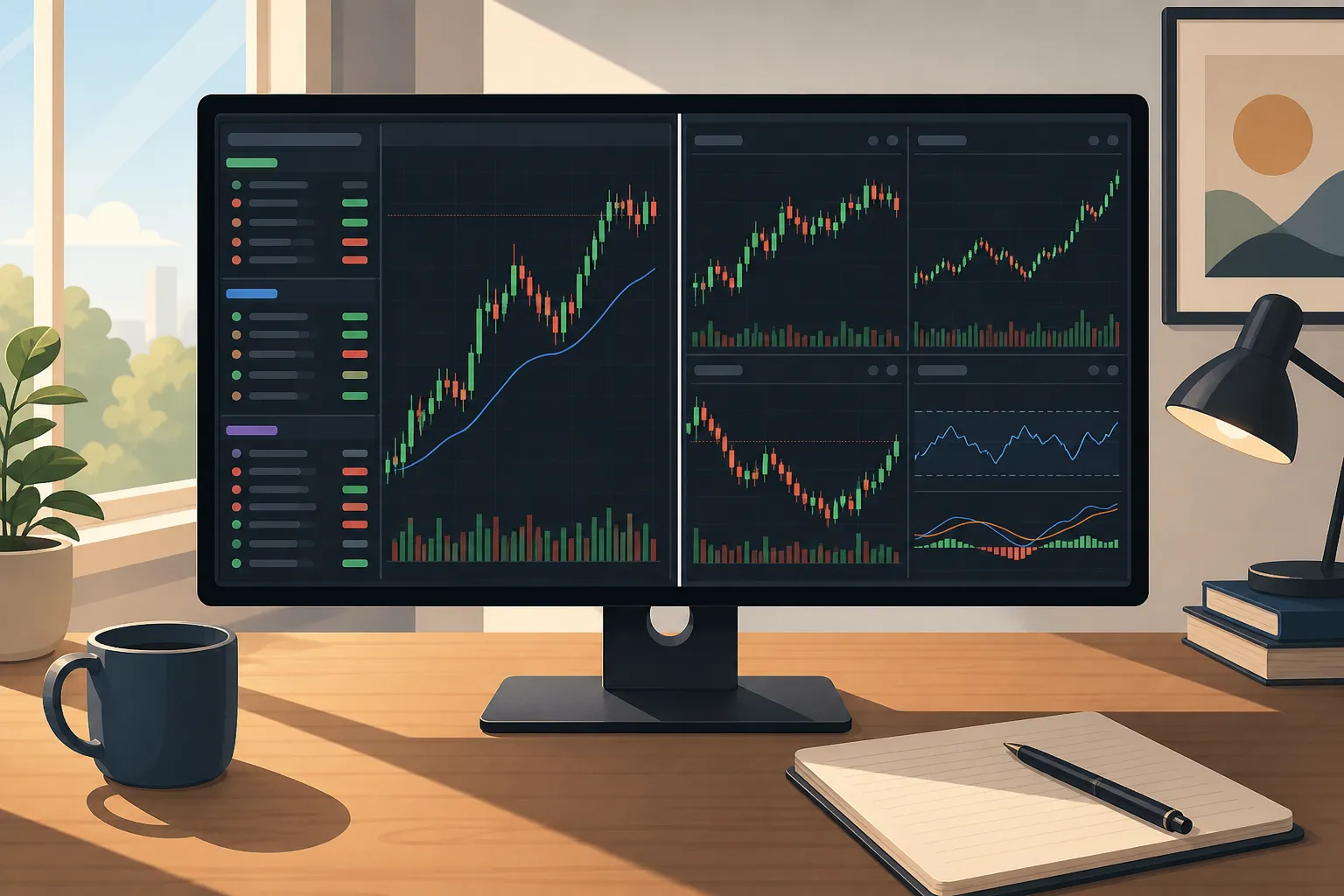
TradingView vs TickerLists: Watchlists, Charts, and Alerts
TradingView vs TickerLists: compare watchlists, live stock charts, price alerts, VWAP, and layouts. Learn who each suits and how to migrate fast.
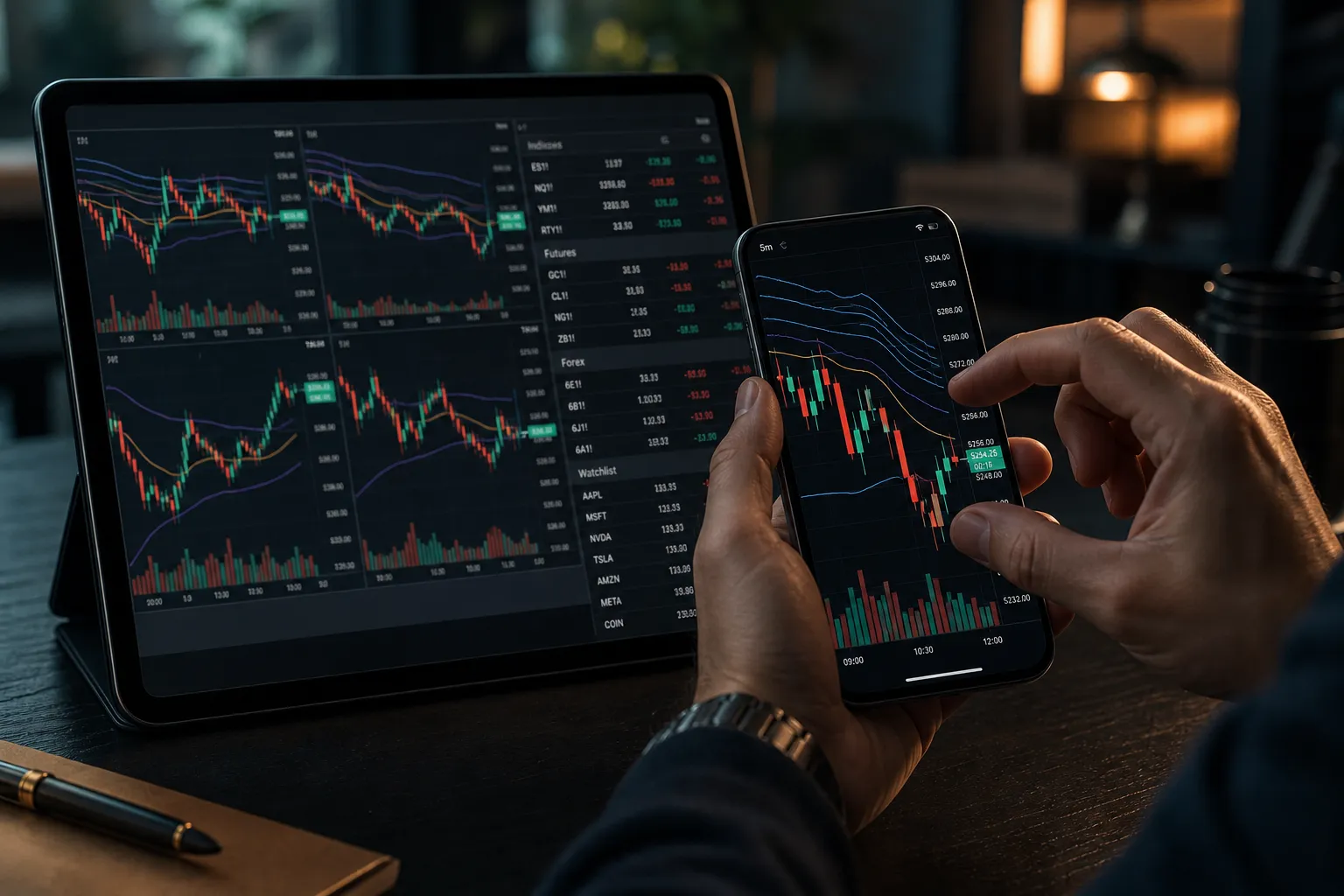
Best TradingView Alternatives for Live Charts and Watchlists
Compare fast watchlists, real-time quotes, alerts, and latency across TradingView alternatives, plus how to import TradingView lists into TickerLists.
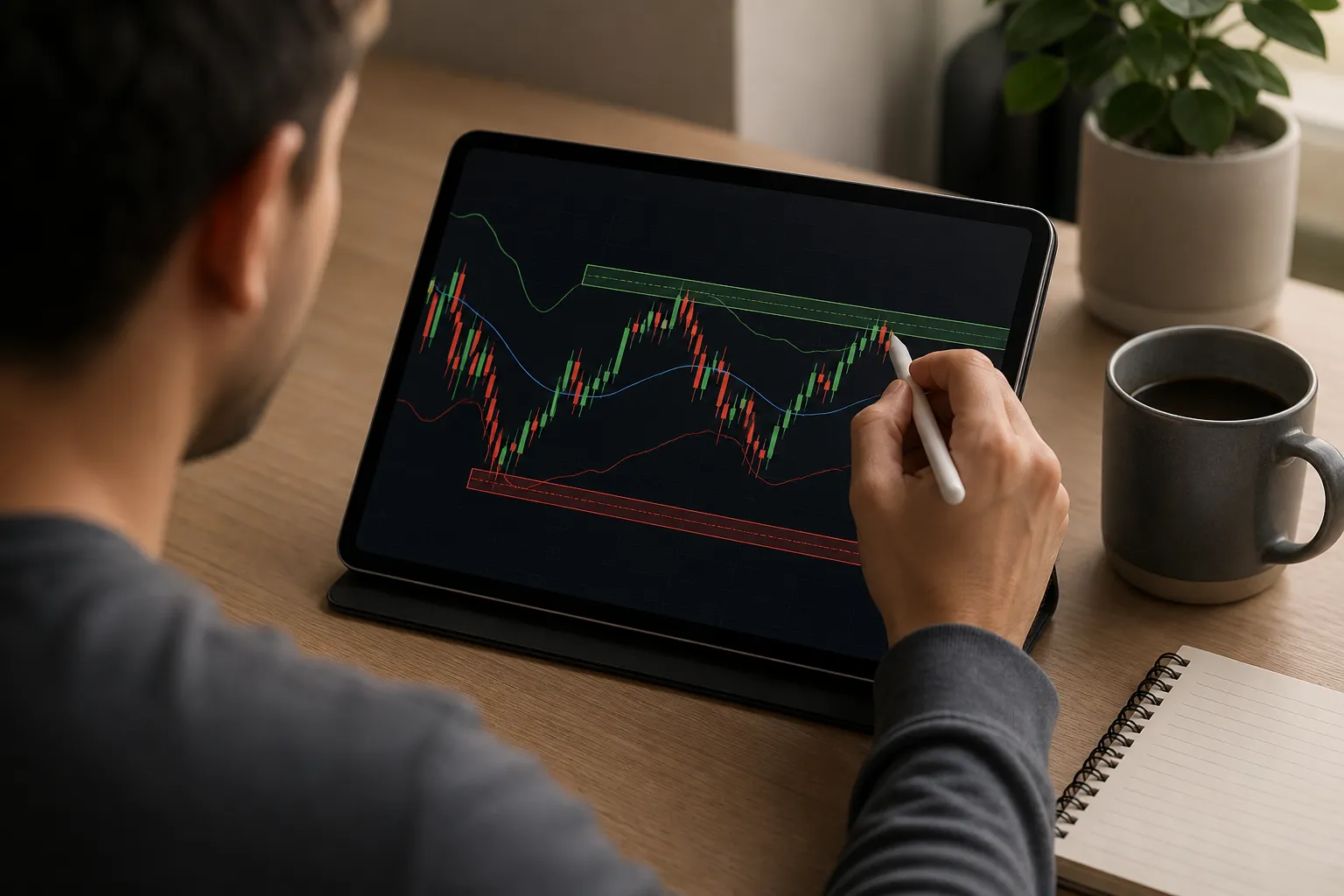
How to Read Stock Charts: A Beginner's Step-by-Step Guide
A practical guide to reading stock charts: candles, timeframes, trend, support and resistance, VWAP, and how to practice with live watchlists and alerts.