Live Stock Charts With Real-Time Candles and Extended Hours
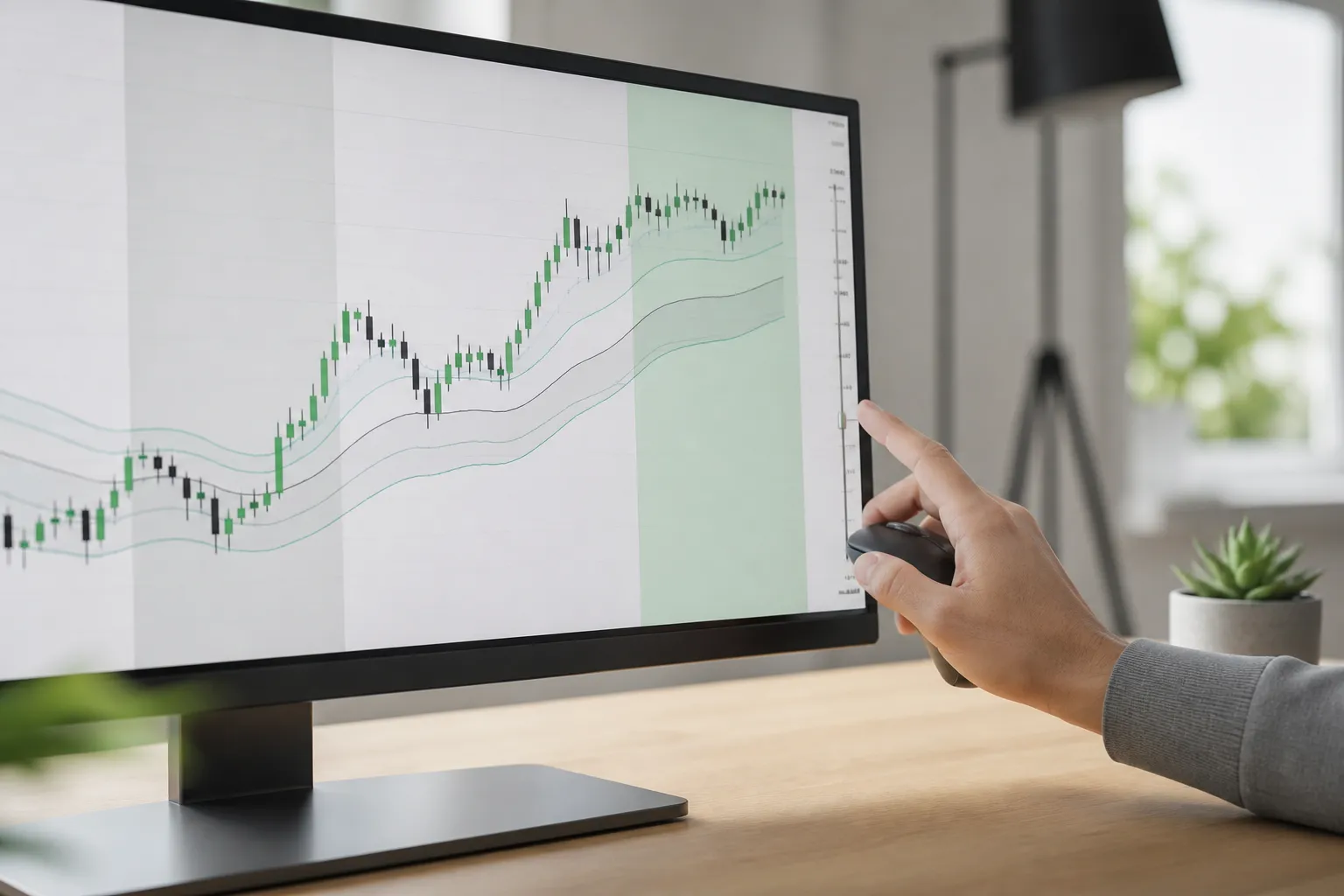
When markets move before the bell or after the close, static images and 15-minute delays leave you guessing. If you trade around news, gaps, or session breaks, you need updates as they happen and a clear view of extended hours.
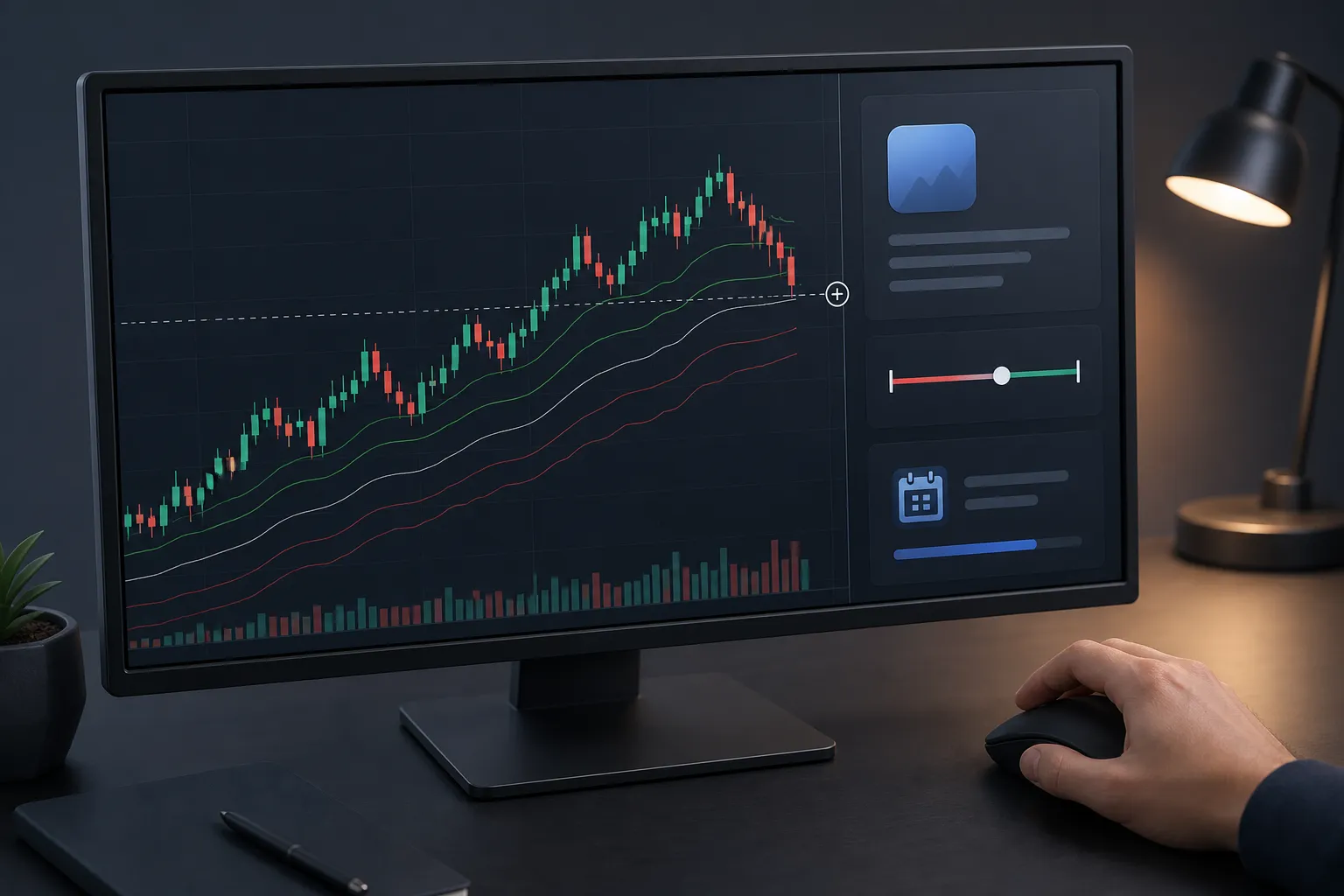
Live stock charts update as each trade prints, including pre-market and after-hours. You see price, volume, and levels without delay, so a headline at 4:05 p.m. or a bid stepping up at 8:30 a.m. shows on your screen in time to act.
Real-time vs delayed data and trading sessions
Not every quote online is live. Many public feeds show data with a standard 15-minute delay. On TickerLists, market data is real-time or delayed depending on the exchange, and US stocks include live quotes for regular hours plus pre-market and after-hours. That lets you track the open, the mid-session, and the close, while also watching the thinner moves that happen outside the main session.
Session timing matters:
- US equities regular session runs 9:30 a.m. to 4:00 p.m. ET. Most participation and tighter spreads live here.
- Pre-market typically runs 4:00 a.m. to 9:30 a.m. ET. Liquidity is thinner and headlines can push price quickly.
- After-hours typically runs 4:00 p.m. to 8:00 p.m. ET. Earnings and guidance often drive the first move that sets up tomorrow.
- Futures trade nearly around the clock with a short maintenance break. Forex is 24 hours from Sunday evening to Friday evening ET. Crypto is 24/7.
Behavior shifts with participation. Regular hours tend to have tighter spreads and heavier volume. Pre-market and after-hours can be jumpy, with wider spreads and headline-driven bursts. A live view helps you judge whether a push is a real trend or a short burst in a quiet tape. TickerLists displays extended hours in the same chart as the regular session, with continuous price so you can trace the entire path into the open.
Timeframes: from 1-minute to weekly candles
Your timeframe defines your decisions. One-minute bars show the order of events. Five-minute bars smooth noise so you can see pullbacks and flags. Daily and weekly candles show swing structure and where you sit in the bigger trend. TickerLists lets you view candlestick or line charts from 1-minute to weekly, so you can step back and forth without losing context.
When to use each view
- 1-minute. Timing around the open, tracking pre-market highs and lows, and managing a scalp with tight risk.
- 5- to 15-minute. Intraday trend definition, pullbacks to anchors like VWAP, and reading session pivots and range breaks.
- Daily. Breakouts, gap locations, 52-week context, and measuring room to the next swing level.
- Weekly. Major support and resistance, trend maturity, and whether a move is a base, a breakout, or an exhaustion.
Candlesticks show open, high, low, and close, which makes wicks near key levels easy to spot. A daily upper wick into a prior high can warn of supply before you tighten entries on a 5-minute pullback. Line charts simplify to closing prices when you want a cleaner shape. Switching between them on the same symbol clarifies whether a move is meaningful or just intrabar noise.
A practical routine: map daily and weekly levels first, then drop to 15-minute and 5-minute to plan a path, and use 1-minute only for execution around those levels. That keeps the story consistent when the open gets busy.
Extended hours, gaps, and what to watch
Extended hours often explain the regular-session open. An earnings print at 4:05 p.m. can start a trend that gaps the next morning. Without that path, the first bar can look random. With it, you can decide whether a gap-and-go has fuel or if the setup favors a gap fill.
Three practical reads
- Pre-market high and low. Mark them. The regular session often respects the pre-market high as first resistance and the pre-market low as first support. A strong open that reclaims the pre-market high and holds above it often trends until lunch.
- Gap size vs typical range. Compare the gap to the stock’s usual daily move. If a name that averages a 2 percent range gaps 3 percent, you are already 1.5x its normal travel. That can mean follow-through risk if momentum builds or early fade risk if the move is stretched into weak liquidity. Size informs position risk and target distance.
- Volume in extended hours. Heavy pre-market volume near a level gives that level more weight at the open. A light-volume gap is easier to fade because little inventory has changed hands.
Close attention to the first 15 minutes helps. If price opens above the pre-market high and holds the first pullback above that level on rising 1-minute volume, the odds favor a trend day. If price gaps above but cannot hold a 5-minute higher low and volume dries up, a gap fill becomes more likely. Build these reads into a checklist you can run in under a minute.
TickerLists shows live quotes with extended hours for US stocks in the same chart, so you can draw levels once and carry them into the open. That continuity reduces guesswork when the bell rings.
Navigating charts: zoom, scroll, and a draggable price axis
Good tools should not fight you. On TickerLists, you can scroll and zoom to inspect any segment of price history, and use a draggable price axis to focus on the zone you care about. On phones, charts are tuned for touch with pinch-to-zoom so you can adjust quickly without hunting for controls.
- Zoom. Tighten onto a hotspot like the first 30 minutes to study structure, then zoom out to compare with yesterday’s range.
- Scroll. Slide through recent sessions to see how levels behave across days and whether a breakout is building or failing.
- Drag the price axis. Compress or expand price to judge volatility and put risk and reward in view. This is faster than autoscale when candles get tall.
If you monitor several names or timeframes, multi-chart layouts help. Put a 1-minute, 5-minute, daily, and weekly view on screen at once to connect execution with context. Save the layout and reuse it on any device. Lists, alerts, levels, and layouts are saved to your account and sync across devices, so your desktop setup carries over to your phone without rebuilding it.
How TickerLists supports live stock charts
Tools matter when you put ideas to work. TickerLists fits common workflows without getting in your way.
- Watchlists with structure. Create unlimited lists with up to 200 symbols each. Group them into foldable sections, drag to reorder, sort columns, and quick-switch with one key. If you track stocks, ETFs, futures, forex, and a crypto watchlist in one place, sections keep it clean.
- Live charts and sessions. Candlestick or line charts from 1-minute to weekly, with live quotes including pre-market and after-hours for US stocks. Extended hours are part of the same chart, not a separate view, so gaps and handoffs are easy to read.
- Multi-chart layouts. View one, two, or four charts at once. Pair a 1-minute and 5-minute for timing, or set up a 4-pane with 1-minute, 5-minute, daily, and weekly. Save that layout and it syncs across devices.
- Alerts and trade levels. Click any price to set unlimited alerts. Draw entry, stop, and target lines, drag to adjust, and see P/L at each level. If you rely on stock price alerts instead of watching every tick, this protects focus.
- VWAP indicator. Add VWAP with bands to gauge mean reversion and trend pullbacks through the session. Use it with pre-market highs and lows to frame first-touch trades.
- Company data and news. See day and 52-week ranges, volume, market cap, P/E, next earnings date, company profile, and the latest news in the same workspace so you can check context without leaving the chart.
- Import watchlists. If you keep lists elsewhere, import TradingView exports with sections or paste a symbol list. This gives you a fast setup without starting from scratch.
- Market coverage. Track stocks, ETFs, indices, futures, forex, and crypto in one stock watchlist app instead of juggling tabs.
- Entry check and odds. One button analyzes today’s 1-minute chart to suggest an entry, stop, target, and the odds the target is reached first. Use it as a second opinion before placing a trade.
None of this replaces your plan. The goal is to make the view live, the levels actionable, and the layout consistent so the steps from idea to execution are simple every time.
Key takeaways
- Live stock charts update with each trade and include extended hours so gaps and session handoffs make sense.
- Match timeframes to decisions. Use 1-minute for timing, 5- to 15-minute for structure, and daily or weekly for bias.
- Mark pre-market highs and lows, size gaps against typical range, and weigh extended-hours volume.
- Zoom, scroll, and a draggable price axis let you study what matters without friction. Multi-chart layouts keep context on screen.
- TickerLists brings live quotes, multi-timeframe charts, alerts, VWAP, and synced layouts into a single workspace.
FAQ
Are live stock charts truly real time?
It depends on the exchange. Some feeds are live, others are delayed. TickerLists shows real-time or delayed data depending on the exchange, with live quotes for US stocks including extended hours.
How do I see pre-market and after-hours on a chart?
Use a platform that includes extended hours in the same view. TickerLists shows live quotes with pre-market and after-hours for US stocks directly on the chart.
Which timeframe is best for day trading?
Most day traders watch 1- to 5-minute charts for entries and exits, then check the daily for context. Switching timeframes helps you avoid tunnel vision.
Can I set stock price alerts from the chart?
Yes. On TickerLists you can click any price to set unlimited alerts, or draw entry, stop, and target lines and adjust them by dragging.
Does a live chart work for crypto and forex too?
TickerLists lets you track stocks, ETFs, indices, futures, forex, and crypto in the same workspace, so you can build watchlists across markets.
More from the blog
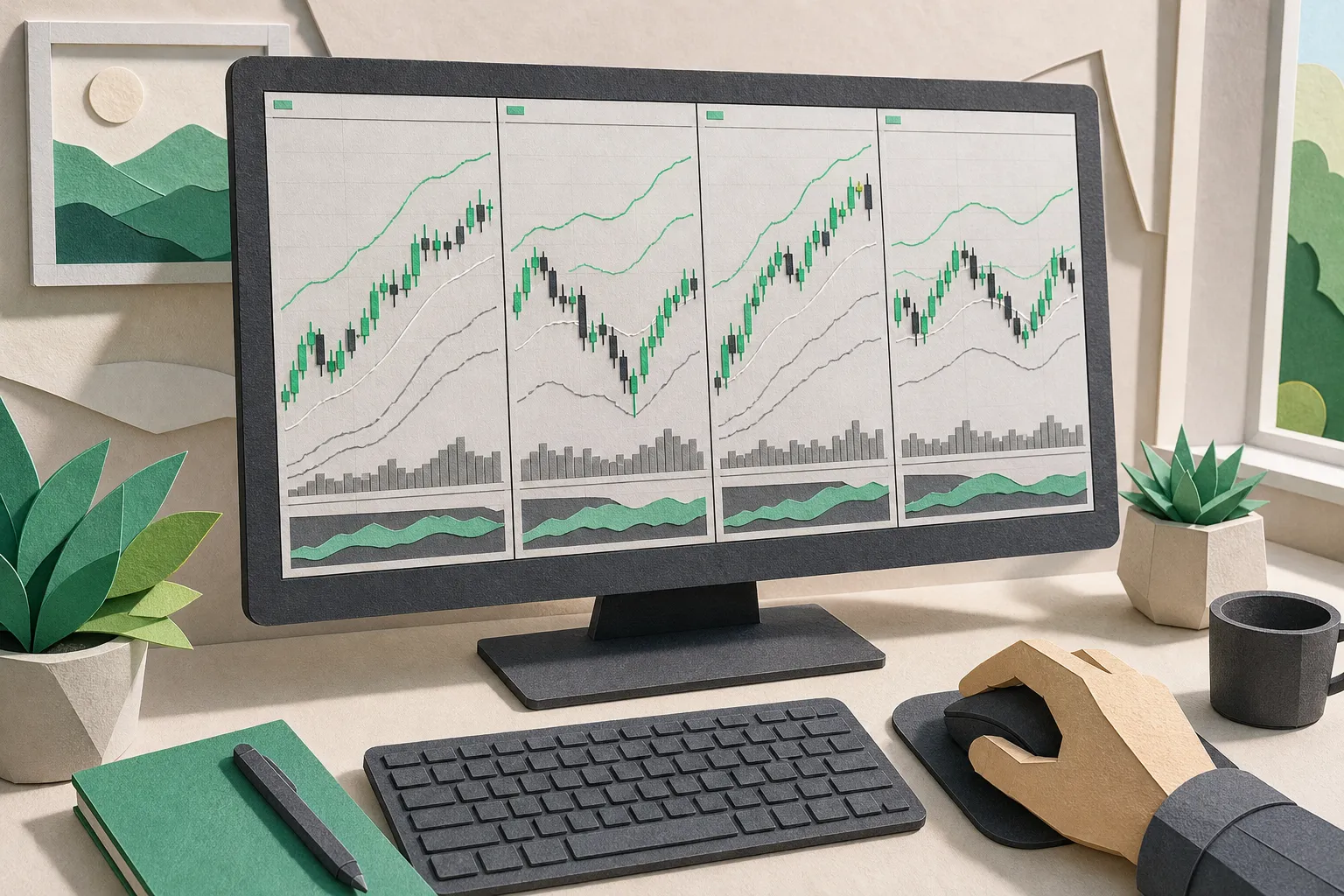
Index Charts That Matter: S&P 500, Nasdaq, Dow with VWAP
Read index charts the right way. Use VWAP, layouts, watchlists, and alerts in TickerLists to track the S&P 500, Nasdaq, and Dow with speed and clarity.
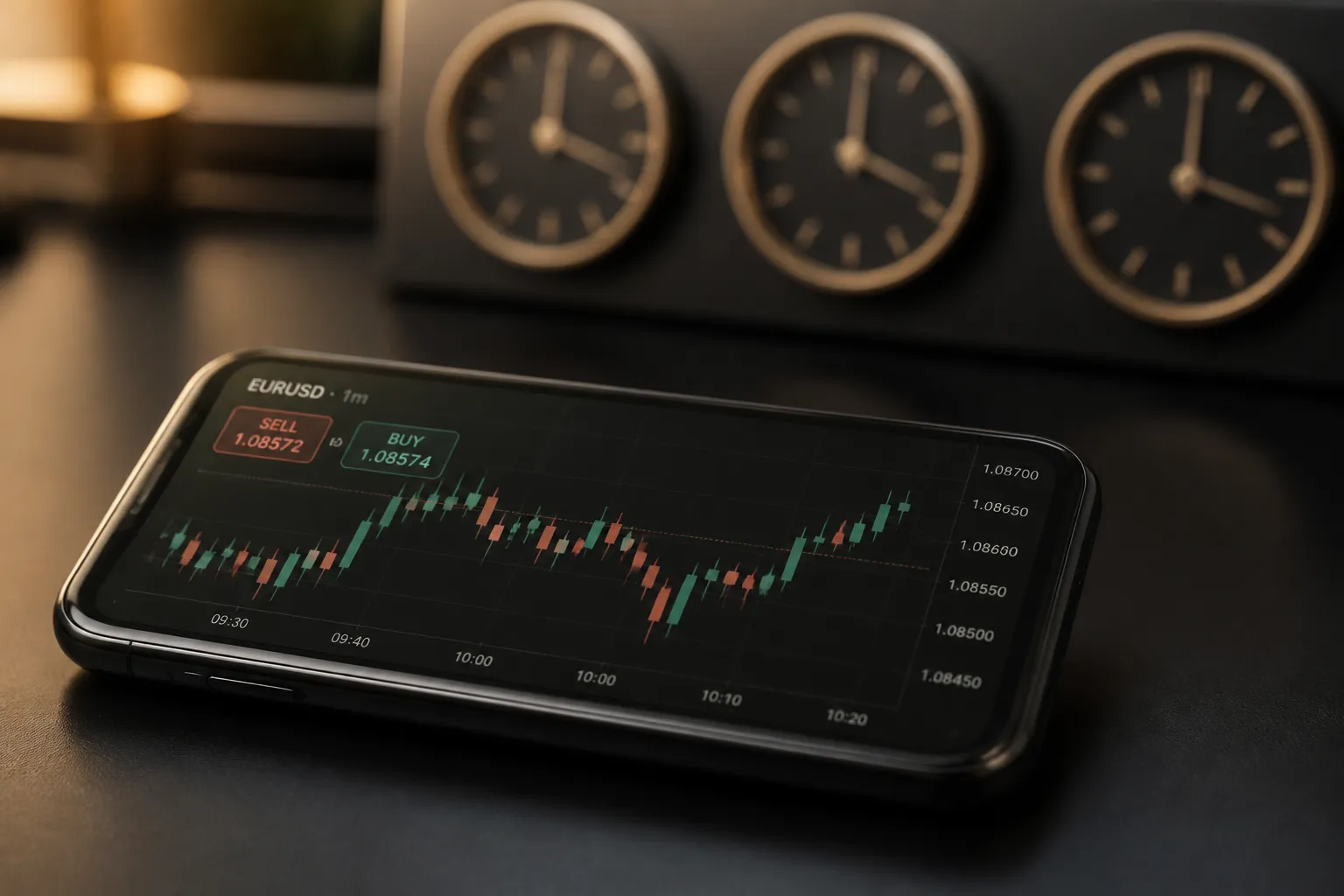
Forex Live Quotes: Sources, Latency, Sessions, and Alerts
See how forex live quotes are sourced, what latency to expect by session and connection, and how to track pairs with watchlists and synced price alerts.
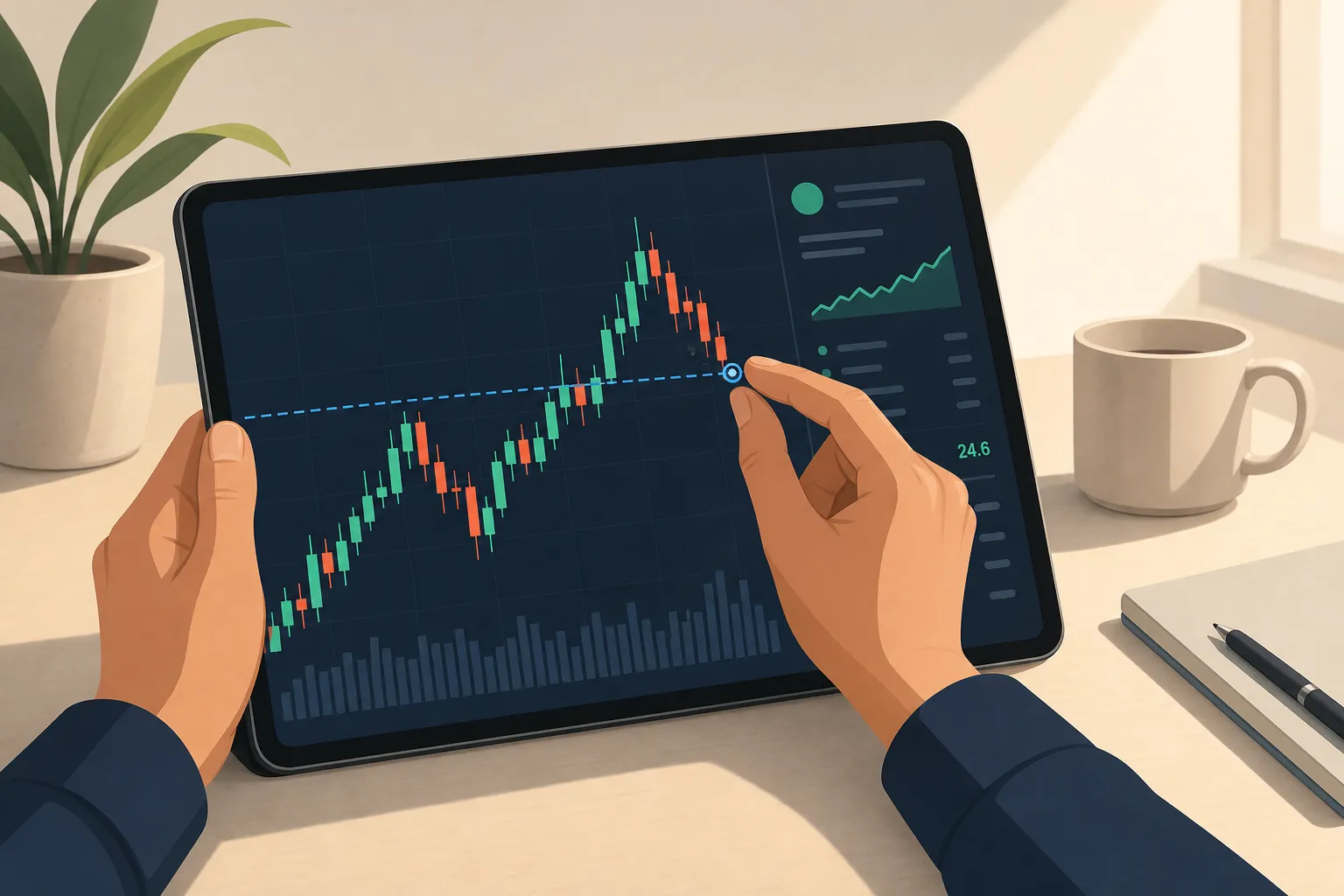
Price-to-Earnings (P/E) Ratio: A Practical Guide for Traders
Learn what the P/E ratio shows, how to read it by sector and cycle, and how to view P/E beside live charts, alerts, and watchlists in TickerLists.
Company Profiles: What to Check Before You Trade a Stock
Read company profiles the right way. Scan key stats, tie them to live charts and news, and build a focused watchlist with alerts before you trade.