Best Stock Watchlist Apps for Real-Time Quotes and Alerts
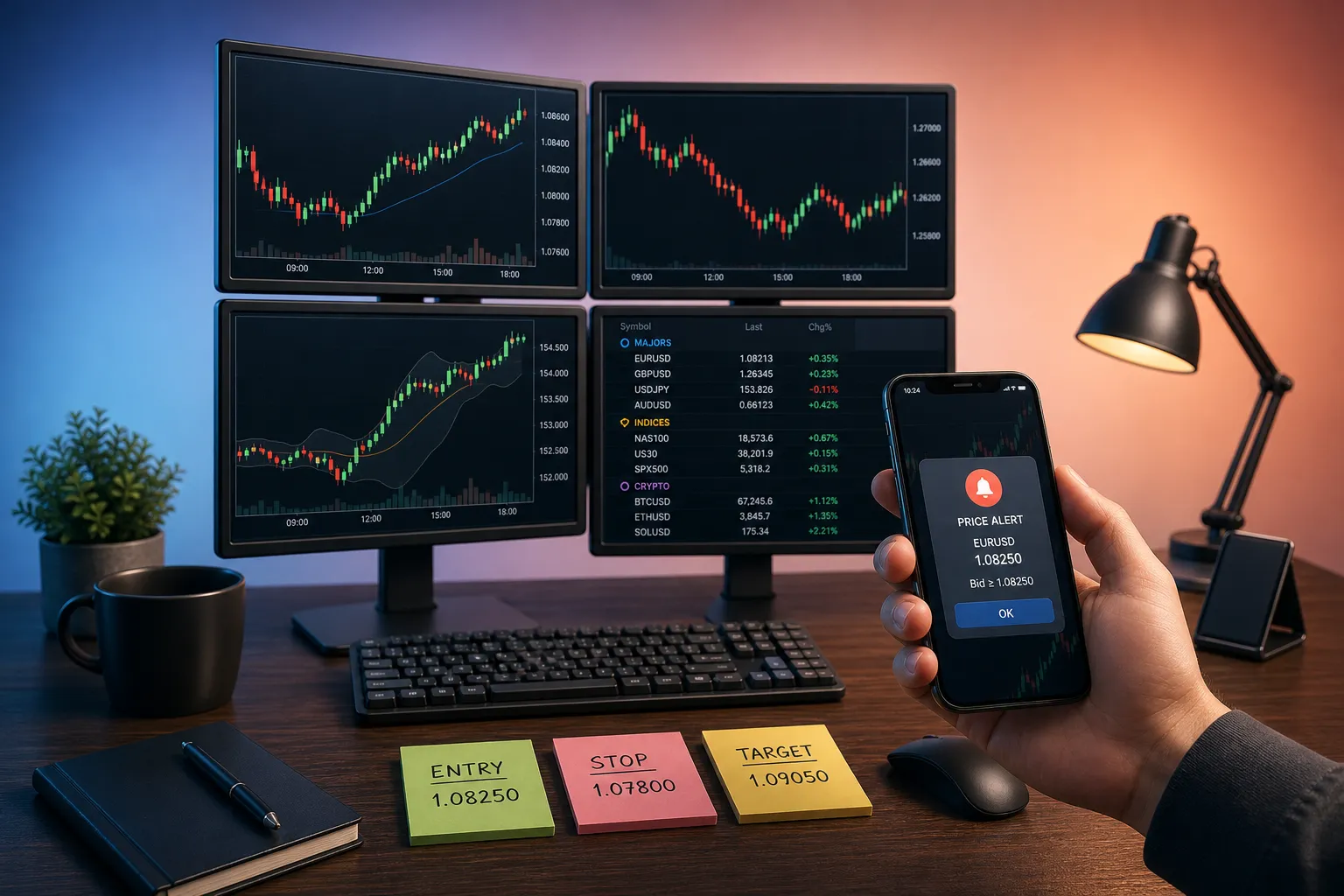
When markets move, the right alert at the right price can be the difference between catching the trade and reading about it later. A strong watchlist app keeps big lists tidy, shows clean charts without lag, and fires alerts fast enough to matter. If you track stocks, ETFs, indices, futures, forex, and crypto, your tool has to stay organized under pressure.
This guide compares the best options for real-time quotes, live charts, and dependable alerts. The picks below reflect how active traders actually work during premarket, the open, and into the close.
What makes a great stock watchlist app
Speed, clarity, and control. You want precise data, minimal clicks, and layouts that hold up when your list grows from 20 names to 400.
- Timely data. Real-time where available, with extended hours for US equities. Clear labels when an exchange is delayed so you know exactly what you are looking at.
- Alerts you can trust. Price-level alerts that are easy to set and edit, fire reliably, and sync across devices. Snooze and mute controls help during news spikes.
- Live charts built for entries and risk. 1-minute to weekly timeframes, premarket and after-hours on the same view, VWAP with bands, and quick tools for lines and levels.
- Organization at scale. Sections, drag-to-reorder, fast sorting, and instant switching across lists. Imports and exports that preserve structure save hours.
- Cross-device sync. Lists, layouts, and levels should follow you from desk to phone without rework.
- Multi-asset coverage. One place to track stocks and ETFs alongside indices, futures, forex, and a crypto watchlist so you do not split attention across apps.
How we tested
We built sector and theme lists, ran premarket routines, set and managed alerts around key levels, and checked how each app handled cleanup after a busy session. We judged speed to first paint on 1-minute charts, the friction to place a price alert, and how quickly we could move between lists during a headline. Good prep cuts noise in trading the same way it does in everyday tasks. When you search for a dog walker near me, you still vet the fit before you hand off the keys. The practical steps in this guide to running a meet-and-greet with a pet sitter mirror the checklist mindset you want before the bell.
TickerLists. The best for organized watchlists and live alerts
TickerLists is built for list-first traders who want speed and order. Create unlimited watchlists with up to 200 symbols each, group tickers into foldable sections, drag to reorder, sort by change or volume, and jump lists with a single key. Quotes are live with extended hours for US stocks, and other exchanges are real-time or delayed based on feed rules, clearly labeled.
Data and charts that make decisions faster
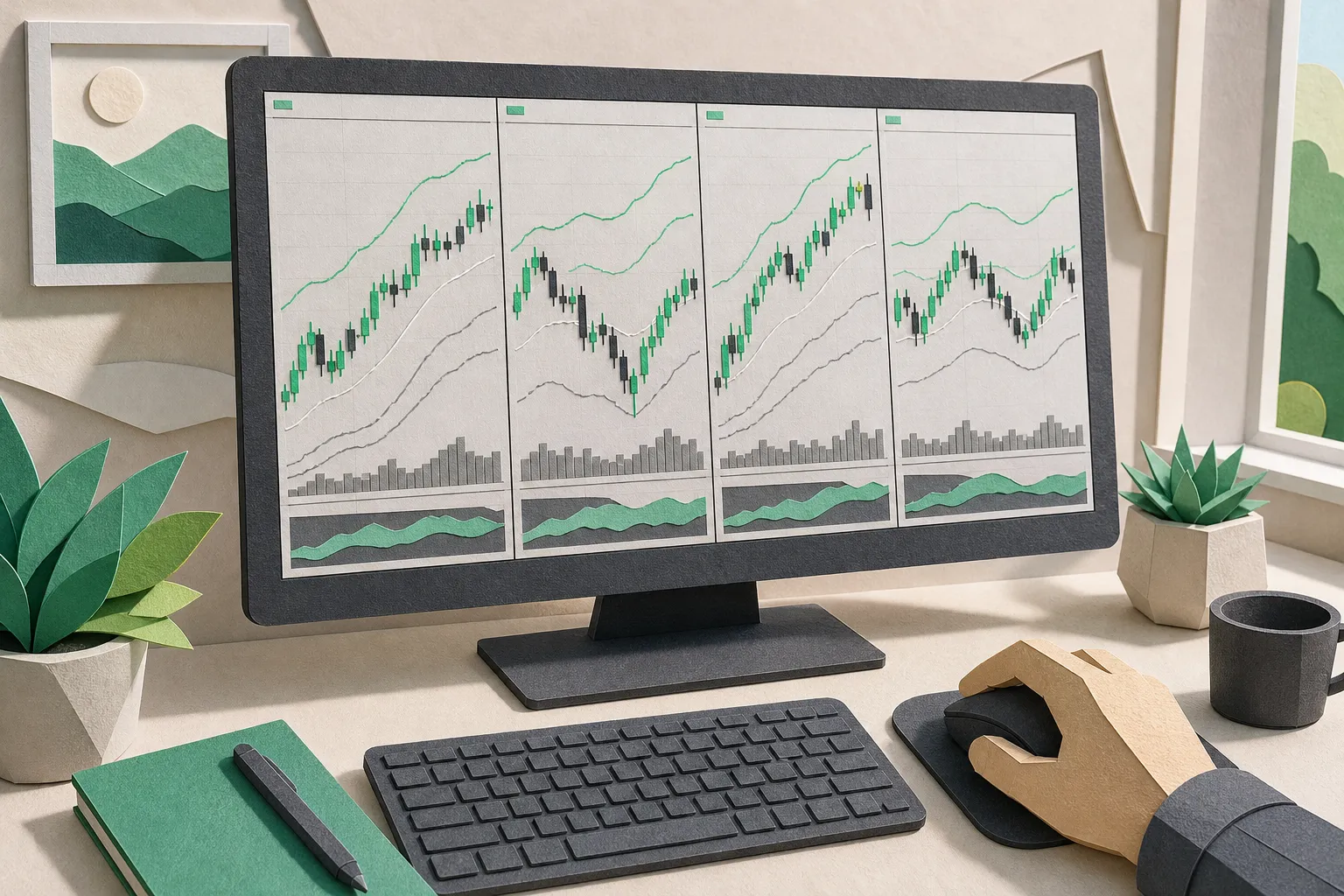
Premarket sets the tone. Flip to a 1-minute chart with extended hours to judge if a gap is building higher lows or fading back to VWAP. Candles or line, draggable price axis, and VWAP with bands are available from 1-minute to weekly. Multi-chart layouts show 1, 2, or 4 panes and save for reuse so you can keep a market index, the leader, and a sympathy name in view together.
Alerts and trade planning in one place
Click any price on the chart to set unlimited alerts. Drag levels to fine-tune and see projected P/L at entry, stop, and target before you commit. The entry check runs on today’s 1-minute chart and suggests an entry, stop, target, and the probability the target gets hit first. It is a quick sanity check that keeps you honest when the tape is fast.
Importing, organizing, and syncing
Import TradingView exports with sections intact, or paste symbols from a spreadsheet. Sections keep a 150-name sector list readable. Quick-switch moves you from an earnings list to a crypto list without losing place. Company data adds day and 52-week ranges, volume, market cap, P/E, next earnings date, a profile, and the latest headlines. All lists and layouts sync to your account and work cleanly on a phone with pinch-to-zoom.
- Pros: Watchlists with sections and quick switching. Unlimited alerts set by clicking any price. Entry check with odds on today’s 1-minute chart. Live quotes with extended hours for US stocks. VWAP with bands. Multi-chart layouts. Sync across devices.
- Cons: Some exchanges provide delayed data. Not a brokerage or social feed.
Who it is for: Active traders who manage many symbols, need fast alerts, and want a focused TradingView alternative for watchlists, live charts, and clear trade levels across stocks, ETFs, indices, futures, forex, and crypto.
Other good options and trade-offs
TradingView
TradingView is the standard for deep charting and a large public idea stream. If you test a lot of indicators or follow shared setups, it fits well. The scripting and community are strengths. If your day revolves around fast alerts and list navigation, it can feel heavy, and many of the best features sit behind paid tiers.
Yahoo Finance
Yahoo Finance covers the basics with simple watchlists, quotes, and headlines in one place. It is fine for tracking holdings or a theme list and checking news at a glance. Alert control and intraday charting depth are limited compared with trader-focused tools.
CoinMarketCap
For crypto-only tracking, CoinMarketCap delivers wide coverage, rankings, and quick reference data. It is useful for spotting market cap shifts and momentum across major tokens. It is not built for equity workflows or multi-asset charting in the same workspace.
How to choose and set up your workflow
- Define your core lists. Build a primary list of go-to names, then separate lists for earnings, sectors, and themes. Use sections like Leaders, Watch for Pullback, and Post-Earnings to keep intent clear.
- Standardize your alerts. Use the same distances for alerts around premarket high, yesterday’s high, and VWAP. For example, set alerts at premarket high, opening range high, and a VWAP reclaim so you get a sequence rather than noise.
- Set levels before the open. Mark entry, stop, and target on the 1-minute with extended hours. Confirm relative volume and whether the gap is holding higher lows. If a level is unclear, set a price alert and wait. No alert, no action.
- Use layouts to keep context. Pair an index or sector ETF in one pane with your target name in another. Save a two-chart layout for trend days and a four-chart layout for rotations.
- Clean up daily. Remove stale tickers, archive sections you no longer trade, and export your lists weekly. A tidy watchlist cuts decision time when headlines hit.
Example workflow. It is 9:10 a.m. ET and a stock is up 3.2% on earnings. You mark premarket high, VWAP, and the gap fill. You set an alert 2 cents above premarket high, another at VWAP, and a fail-safe alert at yesterday’s close. At the open, your premarket alert fires. You run an entry check on the 1-minute chart, confirm the stop-to-target distance fits your plan, and execute only if price holds above VWAP on the first pullback. If the VWAP alert hits first, you stand down and reassess. The tool guides the sequence so you do not chase.
Key takeaways
- TickerLists is a focused stock watchlist app with sections, live quotes, unlimited alerts, entry checks, and synced layouts that stay fast as lists grow.
- Prioritize timely quotes, clear live charts with extended hours, and trustworthy price alerts. Fancy extras do not offset slow data or messy lists.
- If you want a TradingView alternative for list-first trading and multi-asset tracking, TickerLists makes import and daily execution simple.
- Build a repeatable routine. Set levels before the open, standardize alerts, and keep lists clean so you act on signals, not noise.
FAQ
What is the best stock watchlist app for fast alerts and lists?
TickerLists is a strong choice if you want organized sections, live quotes, unlimited alerts, and synced layouts focused on execution.
Can I see premarket and after-hours data in a watchlist?
Yes. TickerLists shows live quotes with extended hours for US stocks, and charts can display extended session activity.
How do I move my watchlists from TradingView?
Export from TradingView, then import into TickerLists. Sections come across, or you can paste a list of symbols directly.
Does TickerLists handle crypto alongside stocks?
Yes. Market coverage includes stocks, ETFs, indices, futures, forex, and crypto so you can keep everything in one place.
Are quotes real-time in TickerLists?
Market data is real-time or delayed depending on the exchange. US stocks include live extended hours quotes.
More from the blog
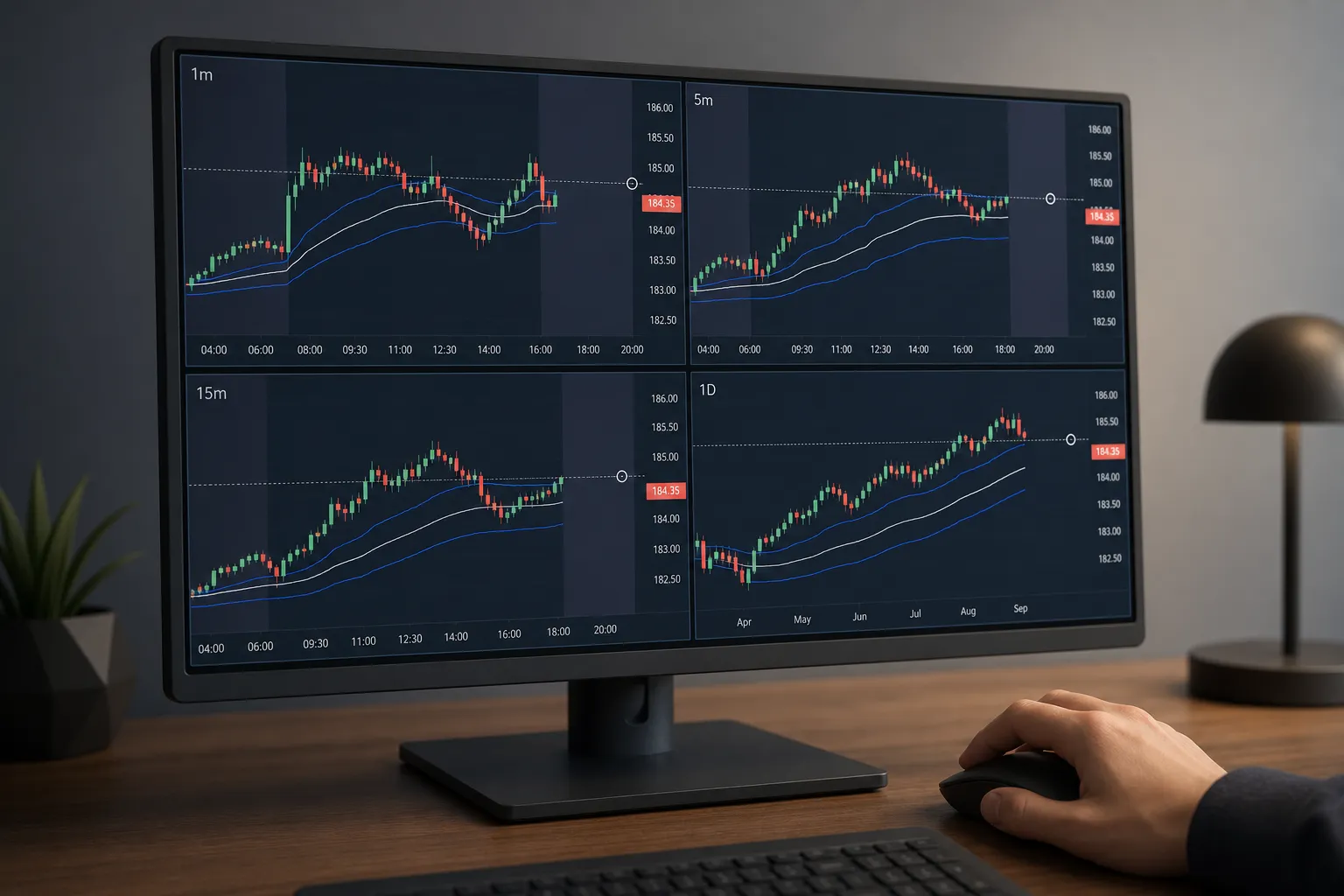
4 Multi-Timeframe Chart Layouts Traders Use Every Day
See four multi-timeframe chart layouts for scalps, swings, news, and trends. Step-by-step setup with live charts, VWAP, alerts, and synced layouts.
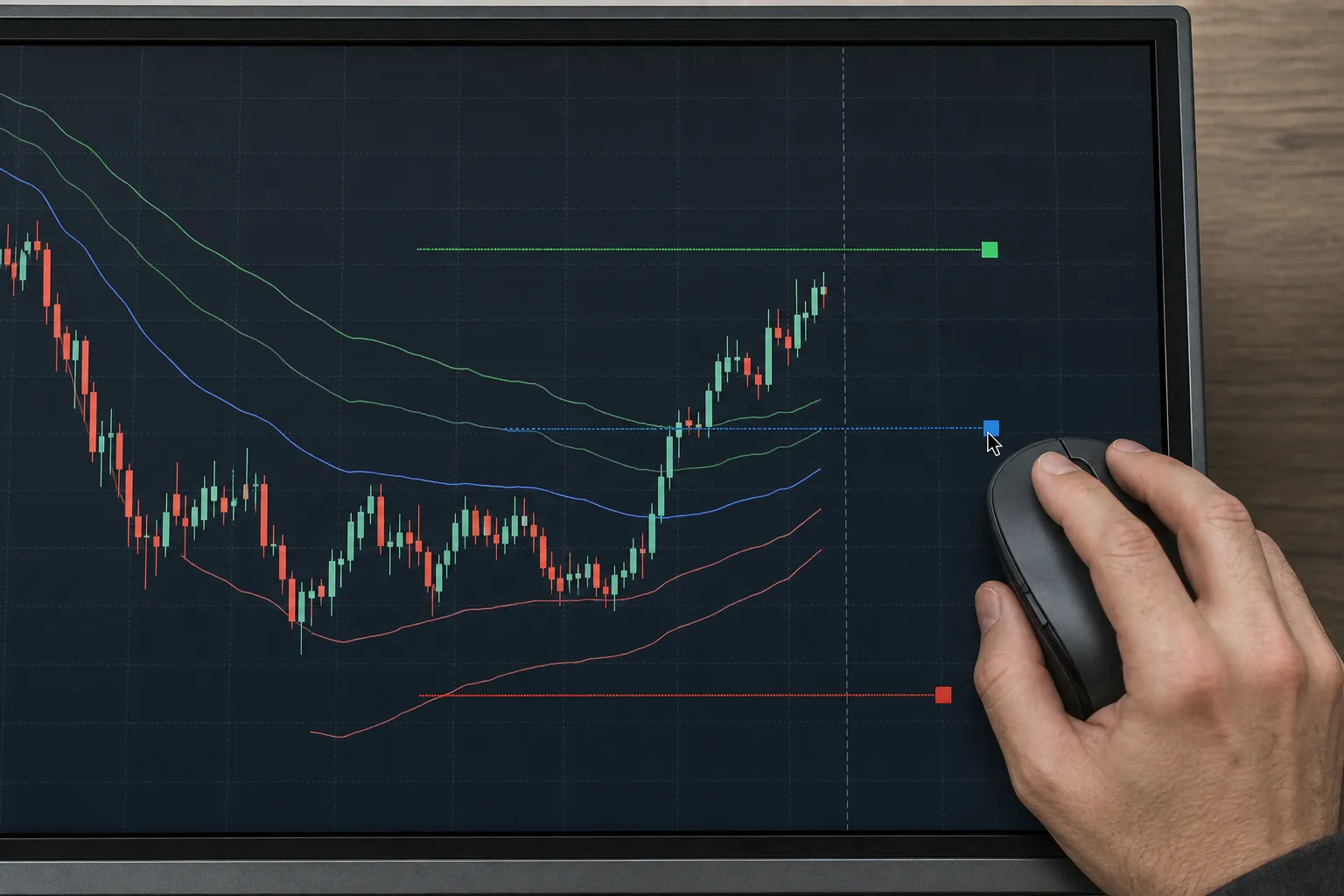
Drawing Tools for Traders: Levels, Alerts, and VWAP Bands
Mark entries, stops, targets, set price alerts, add VWAP bands, and save synced layouts with TickerLists live charts for stocks, futures, forex, crypto.
Live Stock Charts With Real-Time Candles and Extended Hours
See real-time stock charts with pre-market and after-hours, clear timeframes, and practical reads for gaps and levels. How TickerLists handles sessions.
Index Charts That Matter: S&P 500, Nasdaq, Dow with VWAP
Read index charts the right way. Use VWAP, layouts, watchlists, and alerts in TickerLists to track the S&P 500, Nasdaq, and Dow with speed and clarity.