Best TradingView Alternatives for Live Charts and Alerts
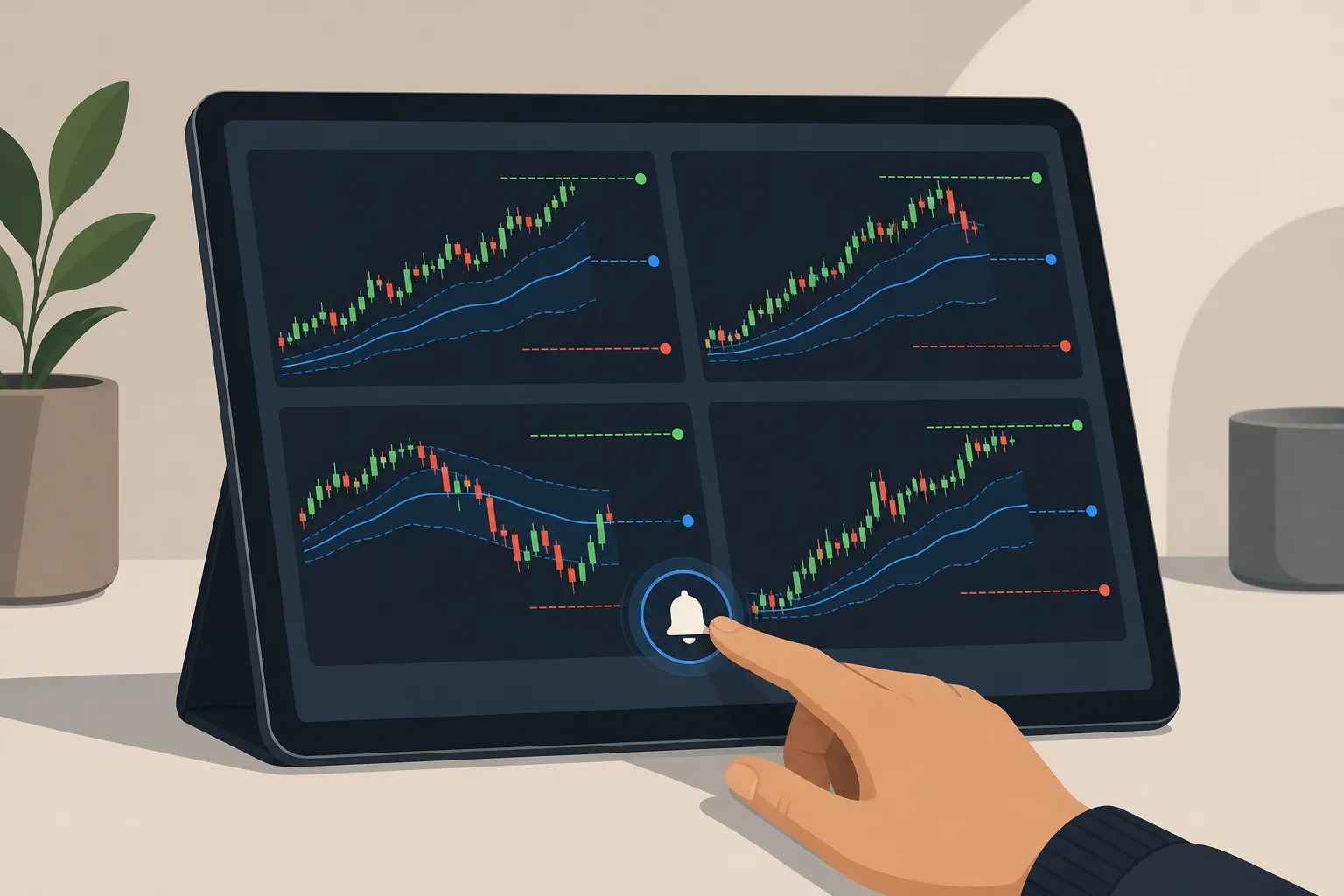
TradingView is powerful, but many traders only need fast watchlists, clean live charts, and price alerts that fire on time. If menus and feature bloat slow your routine, a lighter alternative can make entries and risk checks faster with fewer clicks.
What to look for in a TradingView alternative
- Charts you can trust. You should get 1-minute through weekly bars, candles and lines, a toggle for extended hours, and VWAP for intraday context. A draggable price axis and smooth scroll/zoom matter when you fine tune levels before the open.
- Alerts with no hard caps. Setting an alert by clicking a price on the chart should be instant. Being able to draw entry, stop, and target lines, then drag to adjust while seeing the P/L math, turns prep into a checklist instead of a guess.
- Market coverage in one login. If you track stocks, ETFs, indices, futures, forex, and crypto, you should not need to juggle tabs. Real-time or delayed status must be clear by exchange, and US extended hours quotes should be labeled so you can trade pre-market highs or after-hours pushes with confidence.
- Watchlists that match how you trade. Look for lists with sections you can fold, sort, and reorder, quick-switching by key, and fast imports from your TradingView export. If you cannot move your symbols in minutes, you will not stick with the tool.
- Mobile that is actually usable. Charts should pinch-to-zoom cleanly on a phone, and everything should sync so the levels you set on desktop are there on mobile during the session.
Best alternatives and who they suit
TickerLists: live multi-asset charts, sections, and unlimited alerts
TickerLists is a stock watchlist and charting app focused on speed. You can track stocks, ETFs, indices, futures, forex, and crypto from a single workspace. Data is real-time or delayed depending on the exchange, with live US quotes that include pre-market and after-hours.
- Charts. Candles or lines from 1-minute to weekly, extended-hours view, and a draggable price axis. Add VWAP with bands to see intraday pullbacks and fades without clutter.
- Layouts. Save one, two, or four-chart layouts so your workspace opens exactly how you left it.
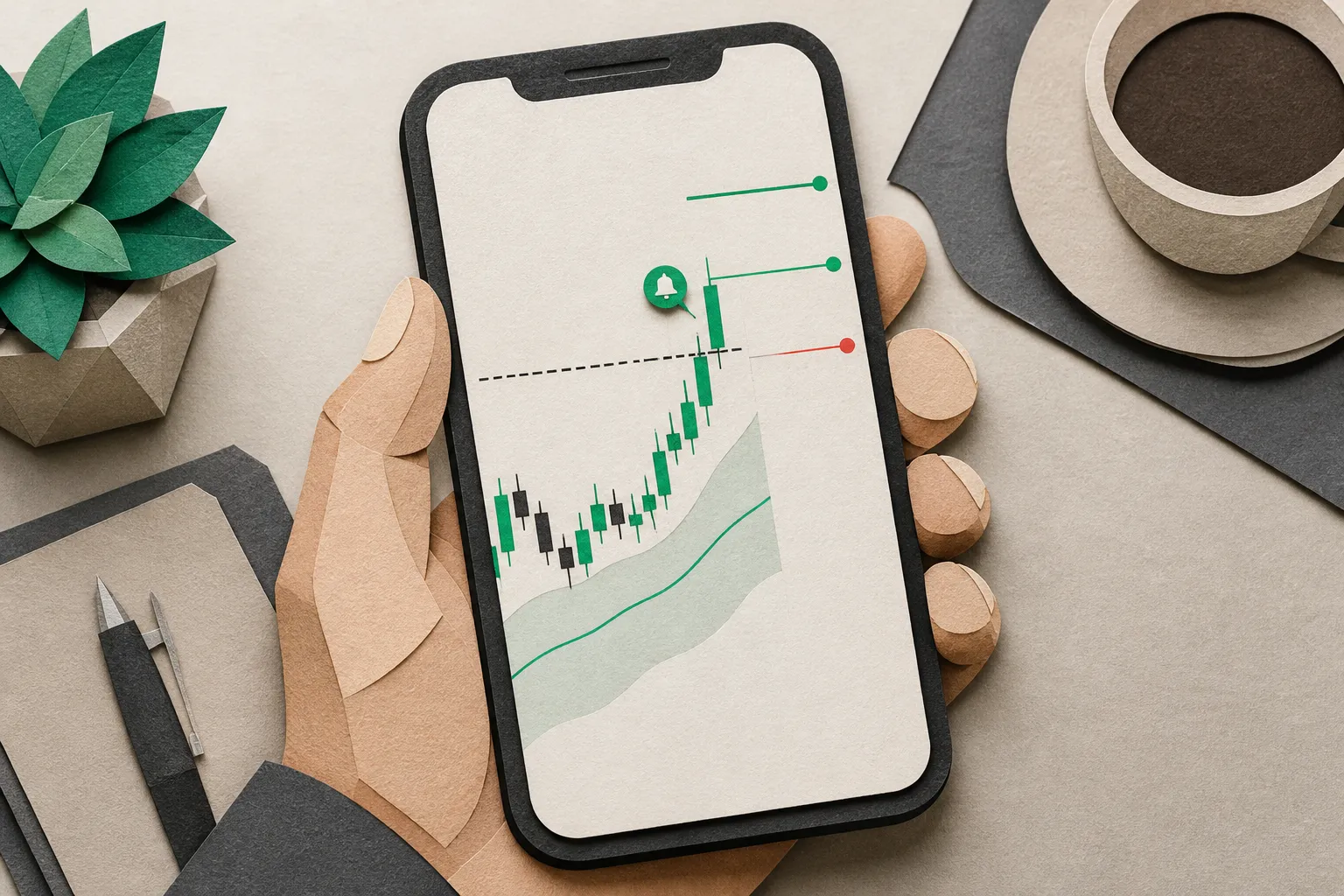
- Alerts and levels. Click any price to create unlimited alerts. Draw entry, stop, and target lines, drag to refine, and see P/L at each level before you place an order in your broker.
- Watchlists with sections. Create unlimited lists, up to 200 symbols per list. Use foldable sections, drag to reorder, sort columns, and quick-switch with a single key.
- Import. Import your TradingView export with sections intact, or paste a plain ticker list to build a list in seconds.
- Sync and phone use. Lists, alerts, levels, and layouts save to your account and sync across devices. Phone charts support pinch-to-zoom.
- Company data and tools. See day and 52-week ranges, volume, market cap, P/E, next earnings date, a brief profile, and the latest news. The Entry Check reviews today’s 1-minute chart and suggests an entry, stop, target, and the odds the target is reached first.
Trade-offs. TickerLists focuses on charts, alerts, and lists rather than deep backtesting. Some exchanges are delayed, which is clearly labeled.
TrendSpider: automation for system builders
Strengths. Built for traders who test rules and run scans. If your plan is model driven and you iterate on conditions, its automation and strategy tools fit that work.
Trade-offs. There is a learning curve, and much of the platform is more than you need if your priority is live charts, quick alerts, and tidy lists.
TC2000: classic desktop charting and scans
Strengths. A long-time favorite for equity traders who want desktop-style charting and custom scans with tight layout control.
Trade-offs. Best on desktop. Coverage tilts toward stocks rather than a broad multi-asset setup.
thinkorswim: deep tools inside a broker account
Strengths. Charts, scans, and order entry in one place if you prefer to work inside a brokerage platform.
Trade-offs. Heavy and complex to tune. The workflow centers on brokerage tasks that chart-first traders may not need.
Cryptowatch: crypto-first workspace
Strengths. A focused terminal if you only trade digital assets across exchanges.
Trade-offs. Not designed for equities or ETFs, so mixed-asset traders will still need a second tool.
Features that affect execution speed
Charts
Fast prep starts with clear charts. With TickerLists, you can flip from a weekly view that marks the primary trend to a 1-minute chart that shows how price behaves around VWAP. Toggling extended hours lets you see whether pre-market highs are holding before the bell, which is often the trigger for a breakout alert.
Data and coverage
If you run a mixed book, a single login that tracks stocks, ETFs, indices, futures, forex, and crypto cuts context switching. TickerLists labels data as real-time or delayed by exchange and shows live US quotes including pre-market and after-hours. That makes it easier to plan trades around earnings gaps, open-drive moves, and after-hours news without guessing at stale timestamps.
Alerts and risk planning
Unlimited price alerts remove the trade-off between coverage and signal quality. In TickerLists, you click the price level, set the alert, and move on. Drawing entry, stop, and target lines with immediate P/L feedback gives you a position size and risk ratio before you ever open your broker. A simple example: mark the pre-market high as entry, yesterday’s low as the stop, and a measured move as the target. If the P/L does not meet your rules, you know it in seconds.
Layouts and sync
Multi-chart layouts help you keep a higher-timeframe context on screen while you stalk a trigger on the 1-minute. Save a two or four-chart layout so it loads exactly the same on every login. Because lists, alerts, and layouts sync, the level you set on desktop is the same one you check on your phone during the lunch lull.
Migrate your TradingView watchlists in minutes
Moving your symbols should not take a weekend. Here is a simple path:
- In TradingView, export your watchlist file.
- Open TickerLists and choose Import on a new or existing list.
- Upload the file. Sections from your export carry over, so your grouping stays intact.
- Spot-check a few symbols, especially ADRs and futures, to confirm the right exchange mapping.
- Sort columns, fold sections you do not need today, and assign a quick-switch key for your active list.
Pro tip: keep a mixed-asset list with your core stocks, ETF hedges, an index or two, and a short crypto set. You will see correlation shifts without jumping between apps.
If you run a trading community or education site and want a cleaner, faster site for members, partnering with a seasoned website design company can help you ship a site that loads quickly, supports SEO, and converts readers to paid members.
Key takeaways
- The best TradingView alternative makes watchlists, alerts, and layouts faster, not fancier.
- TickerLists focuses on clean live charts, unlimited alerts, multi-asset coverage, and quick imports with sections preserved.
- Pick by need: system builders may prefer automation-heavy tools, while chart-first traders gain more from a simpler, synced workspace.
- Import your existing lists, add VWAP to intraday charts, and save a two or four-chart layout to cut prep time on day one.
FAQ
What is the best TradingView alternative for simple stock price alerts?
If you want fast setup and unlimited alerts tied to clearly drawn levels, TickerLists is built for that workflow with clean live charts and quick clicks.
Can I import my TradingView watchlist with sections?
Yes. Export your list from TradingView and import it to TickerLists. Sections carry over, or you can paste a plain list of tickers.
Do TradingView alternatives have real-time data?
It varies by exchange. In TickerLists, market data is real-time or delayed depending on the exchange, with live quotes for US stocks including extended hours.
Which app is best for a crypto watchlist?
If you need crypto only, a crypto-first tool like Cryptowatch fits. If you want crypto plus stocks, TickerLists supports mixed-asset watchlists.
How do multi-chart layouts help?
They keep related views together. You can save one, two, or four charts as a layout so timeframes or correlated symbols are always in view.
More from the blog
SOXL Stock: Live Price, Ranges, Volume, Charts and News
SOXL live price, day and 52-week range, volume, market cap, and news. See charts, set alerts, and organize SOXL in TickerLists watchlists that sync across
VOO Stock: Live Price, 52-Week Range, Volume and News
Track VOO live price, day and 52-week ranges, volume, market cap, and headlines. Build watchlists and set unlimited price alerts in TickerLists.
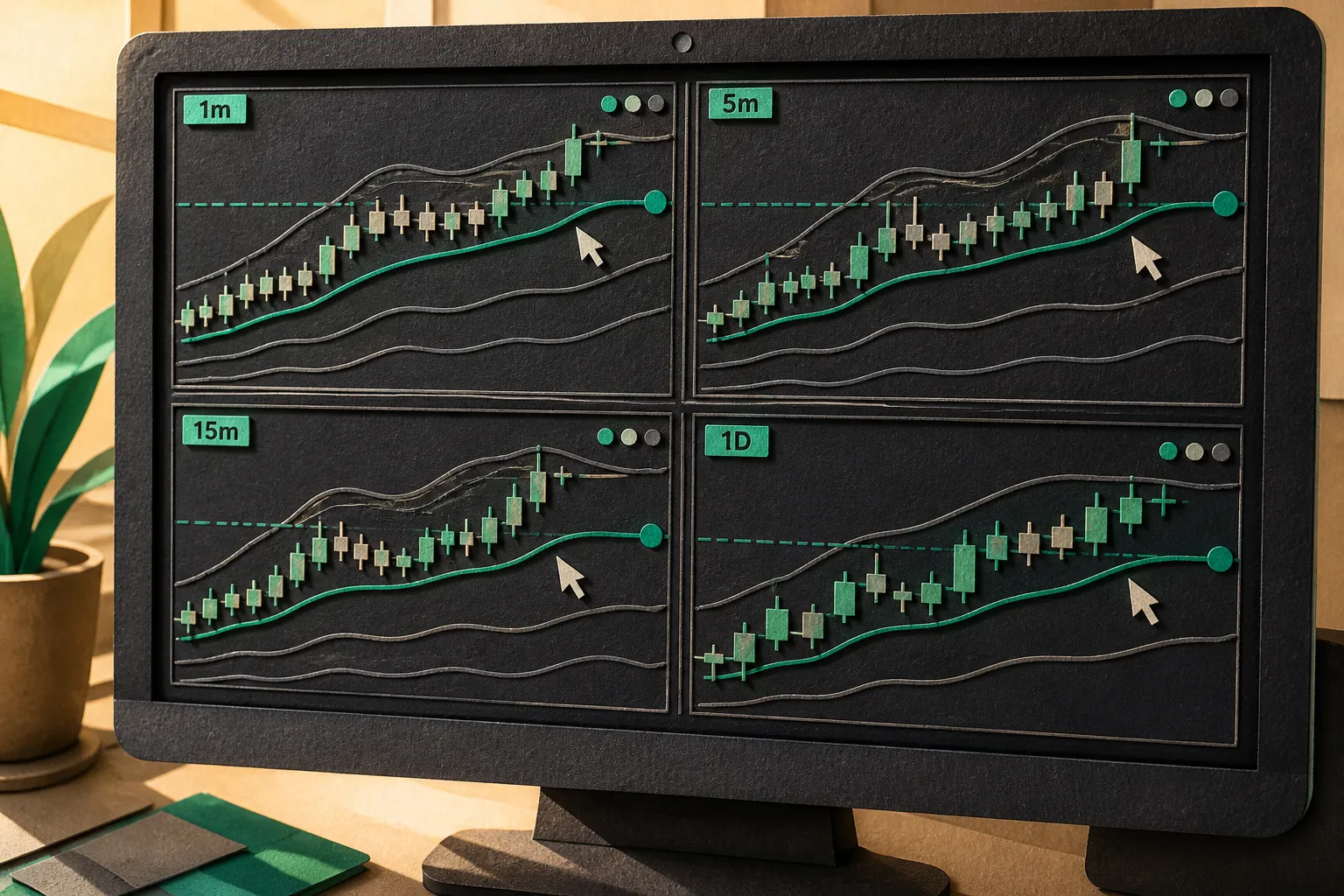
VWAP Trading Strategy: Entries, Stops, Targets and Alerts
Learn a VWAP trading strategy with clear entries, stops, targets, and alert rules. Use VWAP bands, timeframes, and layouts to plan and review trades.
Breakout Alerts: Mark Levels, Plan Risk, Trade the Retest
Step-by-step breakout alerts: mark levels, set price alerts, map entry/stop/target, check odds with Entry Check, and sync your plan across devices.