How Much Is TradingView Premium? Pricing and Alternatives
Prices for charting platforms are moving targets. If you are asking how much is TradingView Premium and whether you actually need it, the answer depends on your region, billing cycle, taxes, and paid exchange data. Below is a practical way to figure out your real cost, decide if Premium fits your workflow, and pick a clean alternative if it does not.
TradingView Premium: how pricing really works
TradingView publishes several tiers and adjusts what you see based on your location and currency. Premium is the top individual plan in most regions. The sticker price you notice on a landing page is not your full monthly outlay. Expect three variables to change the total:
- Billing cycle and promotions. Annual billing reduces the monthly equivalent, and large sale periods can drop the first term further. Toggle monthly versus yearly on the upgrade page to see the current spread.
- Taxes and regional pricing. VAT, GST, or state taxes may apply at checkout and can vary by country or state.
- Real-time exchange data add-ons. TradingView charges separate monthly fees for many exchanges. For example, US equities, US futures, non-US equities, and some index feeds are each billed per exchange. These add-ons are on top of your plan price and are tied to your account, not your device.
To get your real number, sign in, open the upgrade page, select your plan, and add only the exchanges you truly need for your trading. If you run a multi-asset workflow, map it out first. Equities and futures often require separate real-time packages, while forex and crypto data is commonly included from consolidated sources. If you do not require exchange-grade real time for a market you only glance at, skip the add-on and use delayed quotes.
Two small but important details. First, data add-ons are usually billed per user and are not transferable across platforms. Second, downgrading a plan does not automatically cancel exchange data; you must remove those add-ons separately.
Do you need Premium? Limits that matter
Feature lists are long, but a handful of limits determine whether Premium is worth it. Focus on these decision points:
- Alerts at scale. If you run dozens of simultaneous price or indicator alerts across multiple lists and symbols, Premium’s higher alert capacity and longer server-side duration can be the difference between coverage and gaps.
- Charts per layout. If you routinely monitor several timeframes or symbols at once, extra charts per layout matter. Premium allows more panes on one screen so you can watch, for example, an index, a sector leader, and your trade candidate side by side.
- Indicators and saved layouts. Complex templates with many studies and drawings push you toward higher tiers. If you keep it simple with price, volume, and a few overlays, a lower tier can work.
- Data granularity and throughput. Active intraday traders benefit from deeper historical intraday data and faster update limits. Swing traders who set daily or weekly alerts rarely hit those ceilings.
Quick rule of thumb. If your day-to-day is a tidy watchlist, clean charts, and alerts on key levels, you probably do not need the very top tier. If you manage many alerts across multiple layouts, keep several multi-chart screens open, and push indicator limits, Premium makes sense.
Features traders actually use every day
Regardless of platform, most active traders lean on the same core set. When you compare TradingView with an alternative, check these specifics rather than counting headline features.
- Organized watchlists. You want unlimited lists, foldable sections for setups, easy drag-and-drop reorder, fast symbol search, and keyboard switching without touching the mouse.
- Readable live charts on desktop and phone. Candlestick and line charts from 1 minute through weekly with smooth scroll and zoom, a draggable price axis, and precise crosshair readouts. Check that extended hours can be toggled cleanly on US stocks.
- Alerts and trade levels you can manipulate quickly. The fastest workflows let you click a price to set an alert, draw entry, stop, and target lines, then drag to adjust while seeing P/L and risk multiples update.
- Reliable quotes. Confirm which exchanges are real time versus delayed and whether pre-market and after-hours are included for US equities. Futures session templates should match your instrument.
- Company data and news at a glance. Day range, 52-week range, volume, float or shares outstanding, market cap, basic valuation ratios, earnings dates, a clear profile, and relevant headlines next to the chart.
- Multi-chart layouts you can save. One, two, or four panels, with saved layouts that restore drawings, indicators, and intervals without rework.
Top alternatives to consider
TickerLists
TickerLists is a focused TradingView alternative built for fast lists, clean charts, and precise alerts. It tracks stocks, ETFs, indices, futures, forex, and crypto with real-time or exchange-delayed quotes as available. US pre-market and after-hours are included. Charts support candlestick or line from 1-minute to weekly, with a VWAP indicator and optional bands.
Workflow highlights: create unlimited watchlists with up to 200 symbols each, group them into foldable sections, and switch symbols with a single key. Click any price to set unlimited alerts, draw entry, stop, and targets, then drag levels to adjust while seeing instant P/L math. Multi-chart layouts show one, two, or four panels and can be saved and restored. Lists, alerts, levels, and layouts sync across devices, and the mobile charts support pinch to zoom. Company stats and headlines sit beside the chart. A one-button entry check scans today’s 1-minute action and suggests an entry, stop, target, and an estimated probability that the target is hit first. Note that TickerLists focuses on charting and planning rather than brokerage order routing, which many traders prefer to keep separate.
thinkorswim by Schwab
thinkorswim is a full broker platform with advanced charting, custom studies via scripting, options analytics, and paper trading. It is a strong fit if you already trade through Schwab and want everything in one desktop suite. Expect a learning curve, heavier resource use, and a broker tie-in that may not suit a browser-first workflow.
TrendSpider
TrendSpider specializes in automated chart annotations, strategy testing, and flexible alerts. It can mark levels and patterns for you, supports multi-timeframe analysis, and scans across watchlists. You pay for the automation and you will invest time to configure it. If your daily process is simple lists, live charts, and straightforward alerts, a leaner tool may move faster.
Finviz
Finviz is known for a fast screener and sector heat maps. It is useful if you rank ideas by fundamentals and flows, then jump into basic charts. The paid tier unlocks more data and filters, but charting and alerts remain simpler than full-time chart platforms. Many traders pair Finviz for discovery with a separate charting and alert app.
Coinigy
Coinigy concentrates on crypto with multi-exchange charting and portfolio tracking. If your priority is a crypto watchlist with alerts across venues, it is a solid specialist. If you also need stocks, ETFs, and futures in the same workspace, a multi-asset app will be more efficient.
How to switch: import your TradingView lists
You can test an alternative without rebuilding your universe. Move your symbols across in a few minutes.
- Export from TradingView. Open your watchlist, choose the export option, and save the symbols to a file. If you maintain sections, keep them intact in the export.
- Import to TickerLists. Create a new list, choose Import, and upload your TradingView export or paste symbols. Sections come across cleanly, so your organization stays intact.
- Recreate alerts and levels. Platform alerts do not transfer between vendors, but in TickerLists you can click prices to rebuild alerts and drag entry, stop, and targets. Save the layout so it restores on every device.
Tip for creators. If you post chart threads or trade recaps on LinkedIn, you can save time with an AI-powered LinkedIn content scheduler that writes posts from your website, creates gated lead magnets with landing pages, and emails you the captured leads.
Key takeaways
- There is no single price for TradingView Premium. Your total depends on billing cycle, taxes, region, and paid exchange data add-ons.
- Decide by limits, not by marketing. Alert capacity, charts per layout, indicator limits, and data granularity are the factors that affect daily use.
- Most traders need organized watchlists, readable live charts, quick alerts, and basic company data more than niche features.
- TickerLists is a practical TradingView alternative with live quotes, multi-asset charts, unlimited alerts, multi-chart layouts, and clean watchlist imports.
- You can pair tools. Use a screener like Finviz for discovery or a broker suite like thinkorswim for orders, while keeping a dedicated charting and alert workspace.
FAQ
How much is TradingView Premium in my country?
The price varies by region, currency, taxes, and billing cycle. Sign in to TradingView and open the upgrade page to see your exact monthly and annual pricing.
Does TradingView Premium include real-time exchange data?
Not always. Many exchanges charge separate monthly fees for real-time data. Those add-ons apply regardless of your plan tier.
What is a good TradingView alternative for stock price alerts?
TickerLists lets you click any price to set unlimited alerts, draw entry, stop, and target lines, and see P/L at each level with live quotes.
Can I import my TradingView watchlist into TickerLists?
Yes. Export your watchlist from TradingView, then import the file into TickerLists or paste the symbols. Sections come across cleanly.
What’s the best option for a crypto watchlist with alerts?
For a crypto-only workflow, Coinigy is focused on exchanges. If you want crypto plus stocks and ETFs in one place, TickerLists covers multiple asset classes.
More from the blog
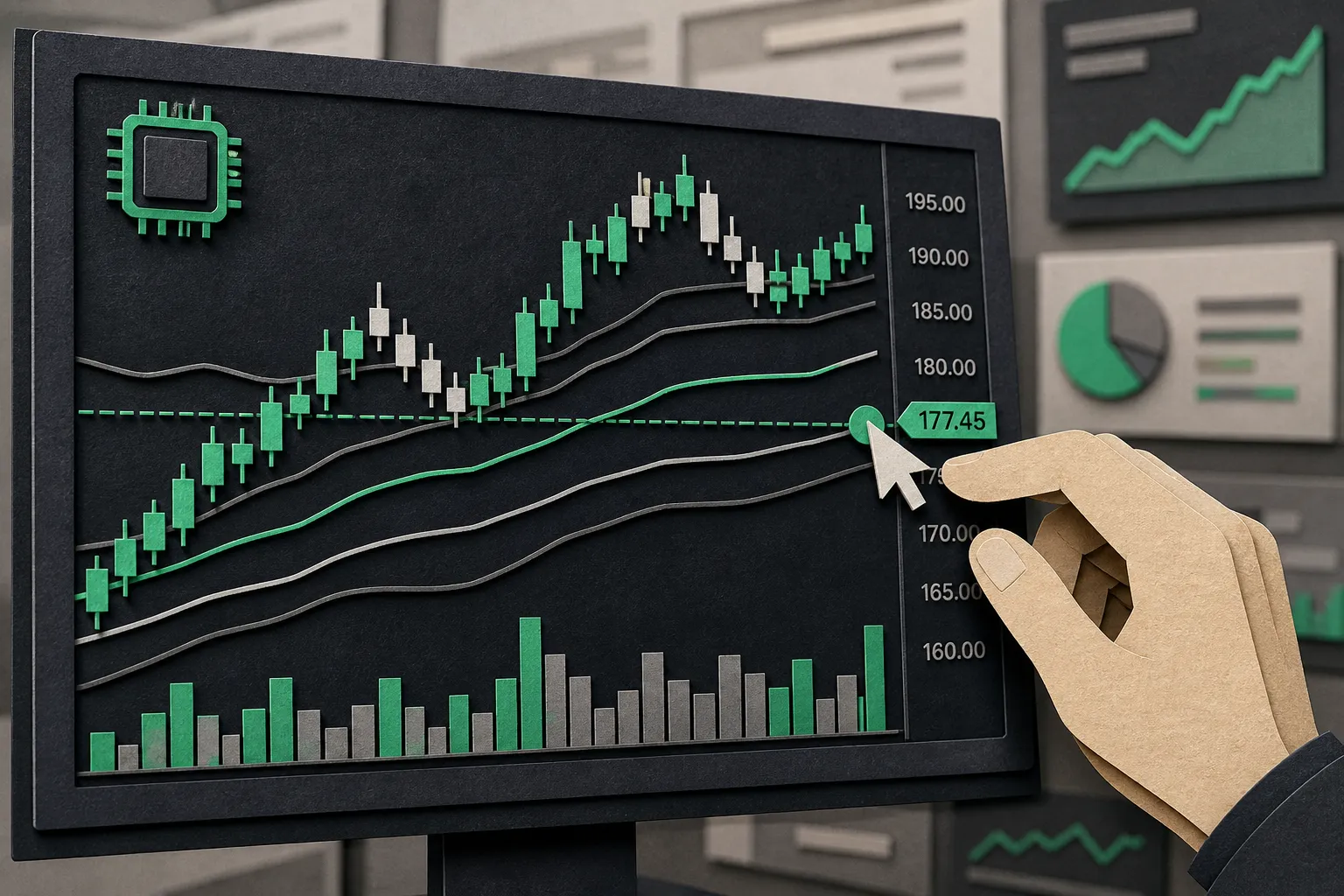
SOXL Stock: Live Price, Ranges, Volume, Charts and News
SOXL live price, day and 52-week range, volume, market cap, and news. See charts, set alerts, and organize SOXL in TickerLists watchlists that sync across

VOO Stock: Live Price, 52-Week Range, Volume and News
Track VOO live price, day and 52-week ranges, volume, market cap, and headlines. Build watchlists and set unlimited price alerts in TickerLists.
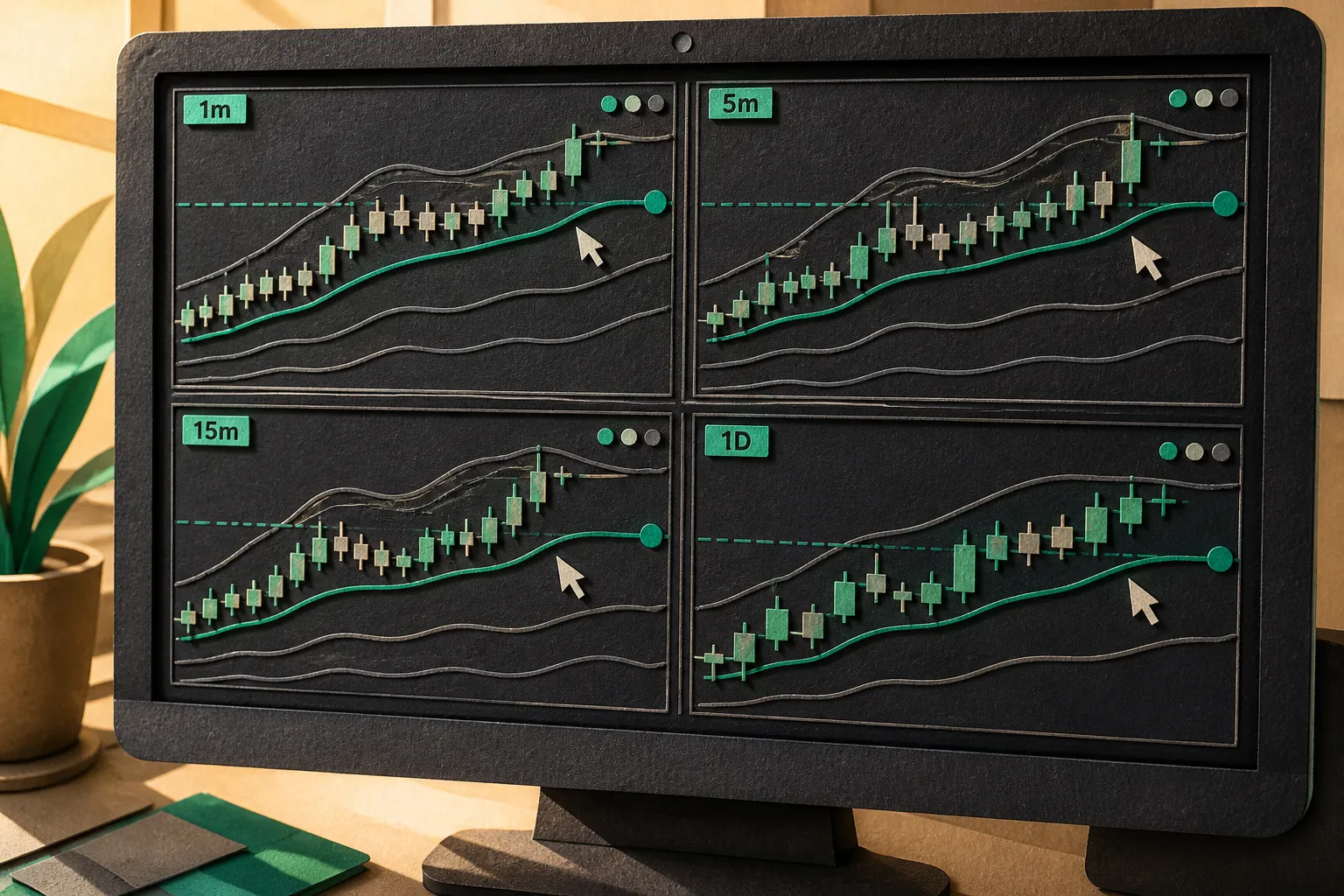
VWAP Trading Strategy: Entries, Stops, Targets and Alerts
Learn a VWAP trading strategy with clear entries, stops, targets, and alert rules. Use VWAP bands, timeframes, and layouts to plan and review trades.

Breakout Alerts: Mark Levels, Plan Risk, Trade the Retest
Step-by-step breakout alerts: mark levels, set price alerts, map entry/stop/target, check odds with Entry Check, and sync your plan across devices.