TradingView vs TickerLists: Watchlists, Alerts, Layouts
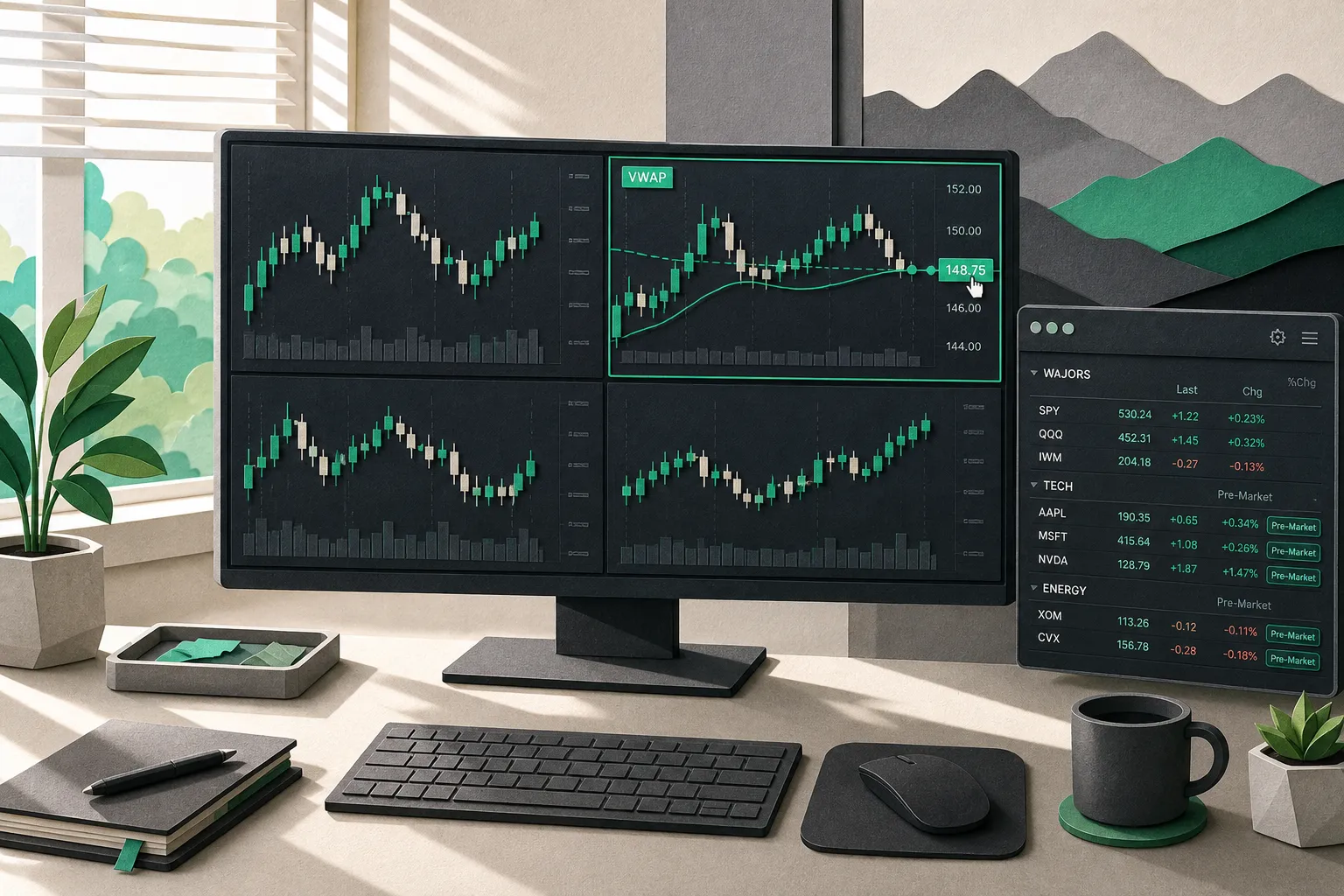
You want speed, clean charts, and alerts that fire on time. TradingView covers almost everything in one place and has a huge community. TickerLists focuses on the parts active traders touch all day: synced watchlists, live quotes with extended hours, clear multi-chart workspaces, and simple risk tools. Here is how they compare so you can match the tool to your routine.
At a glance: TradingView vs TickerLists
| Criterion | TradingView | TickerLists |
|---|---|---|
| Best for | Broad charting toolkit and community | Fast watchlists, live quotes, layouts, and alerts |
| Market coverage | Global markets across many exchanges | Stocks, ETFs, indices, futures, forex, and crypto |
| Data speed | Real-time or delayed by market and plan | Real-time or delayed by exchange with extended hours on US stocks |
| Watchlists | Multiple lists with sections supported | Unlimited lists, sections, up to 200 symbols per list, drag to reorder, sort, quick-switch |
| Alerts and trade levels | Flexible price alerts | Unlimited alerts, click price to set, draw entry/stop/target with live P/L at each level |
| Chart types and timeframes | Many chart types and granular timeframes | Candlestick and line charts from 1-minute to weekly, free scroll/zoom, draggable price axis |
| Extended hours | Available on many US stocks | Pre-market and after-hours quotes and prints on US stocks |
| Layouts | Multi-chart layouts supported | One, two, or four charts per workspace, saveable layouts |
| Indicators | Large indicator library and community scripts | Built-in VWAP with bands |
| Company data and news | Fundamentals and news available | Day and 52-week ranges, volume, market cap, P/E, next earnings date, profile, latest news |
| Special tools | Publishing and social features | One-button entry check that suggests entry, stop, target, and odds |
| Import from TradingView | Use lists natively | Import TradingView exports with sections intact |
| Sync across devices | Desktop, web, and mobile apps | Lists, alerts, levels, and layouts sync. Phone-friendly charts with pinch-to-zoom |
| Pricing | Varies by tier and add-ons | See site for current pricing |
Market data and pricing that match how you trade
Both platforms cover a wide range of markets. TickerLists supports stocks, ETFs, indices, futures, forex, and a crypto watchlist so you can track mixed markets from a single screen. Quotes on TickerLists are real-time or delayed based on the exchange, which is standard across charting tools given exchange licensing rules. If you trade US equities around the open and the close, confirm you see pre-market and after-hours prints. TickerLists shows extended hours on US stocks, which helps when catalysts hit outside regular hours.
Price tiers shift, and direct exchange feeds can add fees on any platform. Instead of chasing headline price, start with two questions. First, does the platform carry the symbols you trade without switching regions or workspaces. Second, does it include the sessions you care about. A day trader who leans on pre-market highs, VWAP reactions, and alert-driven entries needs live quotes with extended hours more than a long-term investor who checks weekly.
Watchlists with sections, fast edits, and clean sync
If your day starts with a watchlist, list handling is the core of the workflow. TickerLists is built around fast list work. Create unlimited lists, add up to 200 symbols per list, and group symbols into foldable sections so gaps, earnings, momentum, and swing ideas stay organized. You can drag to reorder, sort by change, volume, or market cap, and quick-switch lists with a single keystroke so you are never digging through menus while the tape is moving.
Practical example: set a Monday list with sections called Earnings AM, Earnings PM, Gappers, and Trend. During the open, collapse Trend and keep Gappers visible. As names set up, drag tickers from Earnings AM to a Focus section at the top. The structure stays readable even when you are tracking 50 to 100 names.
Company data sits next to price so decisions are faster. Day range, 52-week range, volume, market cap, P/E, the next earnings date, a compact profile, and the latest headlines are one click away. That covers the quick checks most traders make before taking risk.
Switching from TradingView is simple. Export your TradingView watchlist to a .txt or .csv file and import it into TickerLists. Sections come across, so sector and setup groupings land where you expect them. You can also paste a raw ticker list to seed a new watchlist in seconds.
Lists, alerts, levels, and layouts sync to your account. Open a chart on your desktop, place an alert at a key level, and check the same name on your phone with pinch-to-zoom without losing context. If you run a lean stack where a marketing tool like Lifast handles your social schedule while your trading app handles signals, this kind of sync keeps context tight without extra work.
Charts, extended hours, layouts, VWAP, and trade levels
The chart should show what matters and get out of the way. TickerLists provides candlestick and line charts from 1-minute to weekly bars. Scroll and zoom are smooth, and the price axis can be dragged to frame the action quickly. Extended hours can stay visible so the pre-market high, after-hours gaps, and overnight VWAP interactions are on the chart when they matter.
Layouts are lightweight. You can run one, two, or four charts on screen and save each layout. A common setup is a 4-up view with 1-minute, 5-minute, 15-minute, and daily charts of the same name. Another is a 2-up layout with a main symbol on the left and a rotation of watchlist candidates on the right. Saving layouts means you can switch from scanning to execution without rebuilding panes.
For intraday structure, TickerLists includes VWAP with bands. VWAP helps anchor mean reversion and trend continuation. For example, when a gap up pulls to VWAP on the 1-minute and holds, your entry line sits above the reclaim, your stop tucks below the VWAP wick, and your first target marks pre-market high. Drawing entry, stop, and target lines on the chart shows P/L at each level, so risk and reward are clear before you click.
There is also a one-button entry check on today’s 1-minute chart. It suggests an entry, stop, target, and the odds that the target is reached first. You are still in charge of execution, but it speeds the quick math when you are triaging multiple tickers.
Alerts and migration: set, test, and decide
Good alerts arrive before the move, not after it. In TickerLists you can click any price on the y-axis or chart to set an alert. Use them for pre-market high breaks, VWAP reclaims, range highs, or a return to your entry after a pullback. Alerts are unlimited, and you can drag them to adjust as the setup changes. Because trade levels show live P/L, you can nudge the stop or widen the target without leaving the chart.
Migrating your universe is straightforward. Export a TradingView watchlist, import it into TickerLists with sections, and save a layout that holds your preferred timeframes. Add a handful of alerts to the names you trade most and run a one-week parallel test. Keep your existing environment open for reference and compare fills, missed moves, and the time it takes to set up a trade. The result will tell you whether extended hours visibility, list speed, and simple layouts change your hit rate or reduce scramble time.
Which platform fits which trader. If you want the broadest ecosystem with community scripts, sharing, and a long tail of indicators, TradingView is a familiar home base. If your priority is a fast TradingView alternative centered on synced watchlists, live stock charts with extended hours, unlimited alerts and trade levels, VWAP with bands, and simple one, two, or four-pane layouts, TickerLists fits that brief. It is especially useful if you manage mixed markets in one view.
Key takeaways
- TickerLists focuses on fast watchlists with sections, synced across devices, and easy import from TradingView.
- Live quotes with extended hours on US stocks, simple multi-chart layouts, and VWAP with bands support intraday decisions.
- Clickable price alerts and draggable entry/stop/target lines show live P/L so risk and reward are clear.
- Coverage spans stocks, ETFs, indices, futures, forex, and crypto in one workspace with company data and headlines close by.
- Run a one-week parallel test to measure setup time, alert timing, and missed moves before you switch.
FAQ
Is TickerLists a good TradingView alternative for day traders?
Yes. It focuses on fast watchlists, live quotes with extended hours for US stocks, unlimited alerts, simple multi-chart layouts, and VWAP, which day traders value.
Can I import my TradingView watchlists into TickerLists?
You can import TradingView exports with sections, or paste a list of symbols. This preserves your groupings and speeds up migration.
Does TickerLists show pre-market and after-hours quotes?
Yes. It shows live quotes including pre-market and after-hours for US stocks, which is useful for gap scans and earnings moves.
What markets can I track with TickerLists?
You can track stocks, ETFs, indices, futures, forex, and crypto in one workspace. Market data is real-time or delayed depending on the exchange.
Does TickerLists support stock price alerts on mobile?
Lists, alerts, levels, and layouts sync to your account. Charts are phone-friendly with pinch-to-zoom, so you can manage alerts on the go.
More from the blog
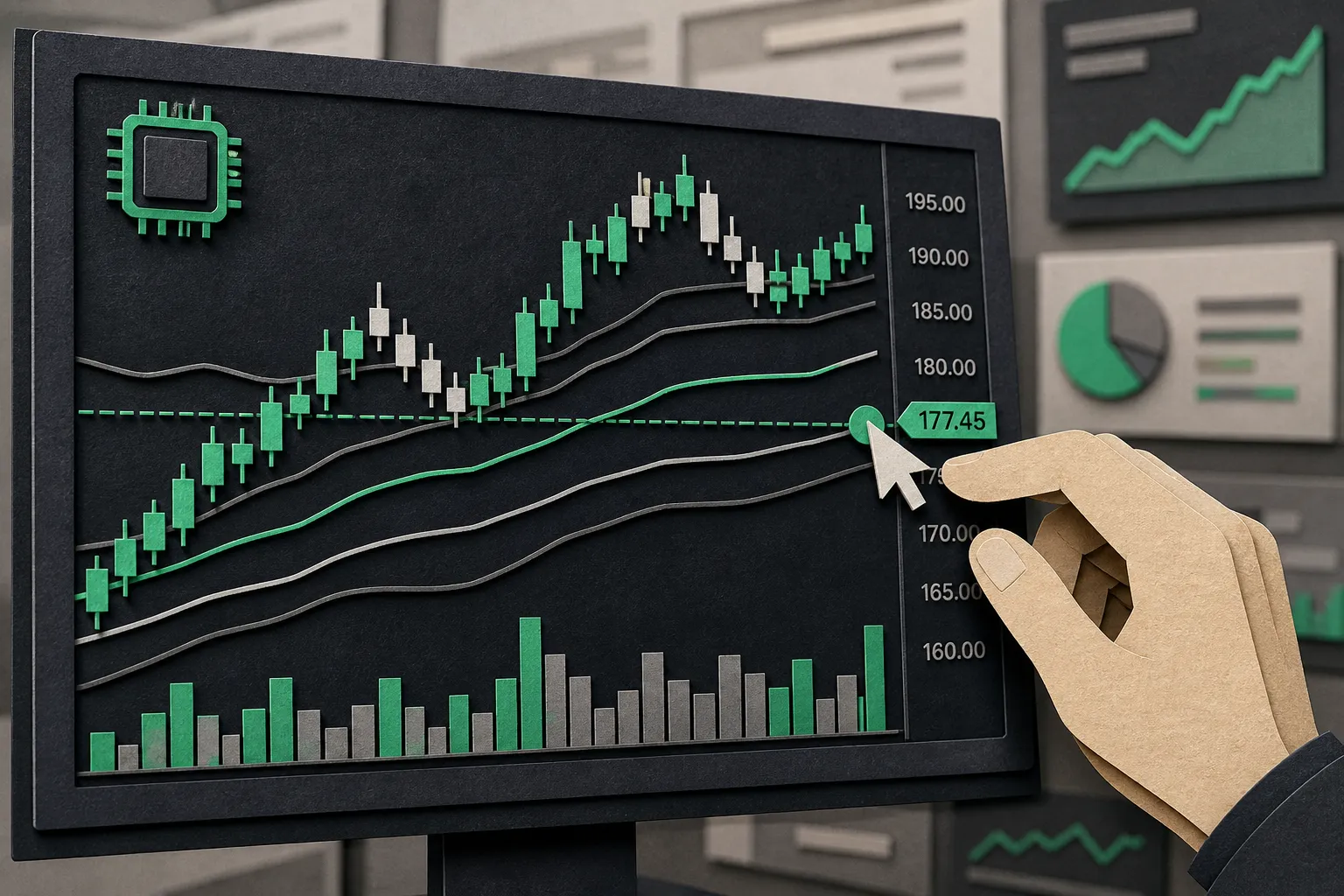
SOXL Stock: Live Price, Ranges, Volume, Charts and News
SOXL live price, day and 52-week range, volume, market cap, and news. See charts, set alerts, and organize SOXL in TickerLists watchlists that sync across

VOO Stock: Live Price, 52-Week Range, Volume and News
Track VOO live price, day and 52-week ranges, volume, market cap, and headlines. Build watchlists and set unlimited price alerts in TickerLists.
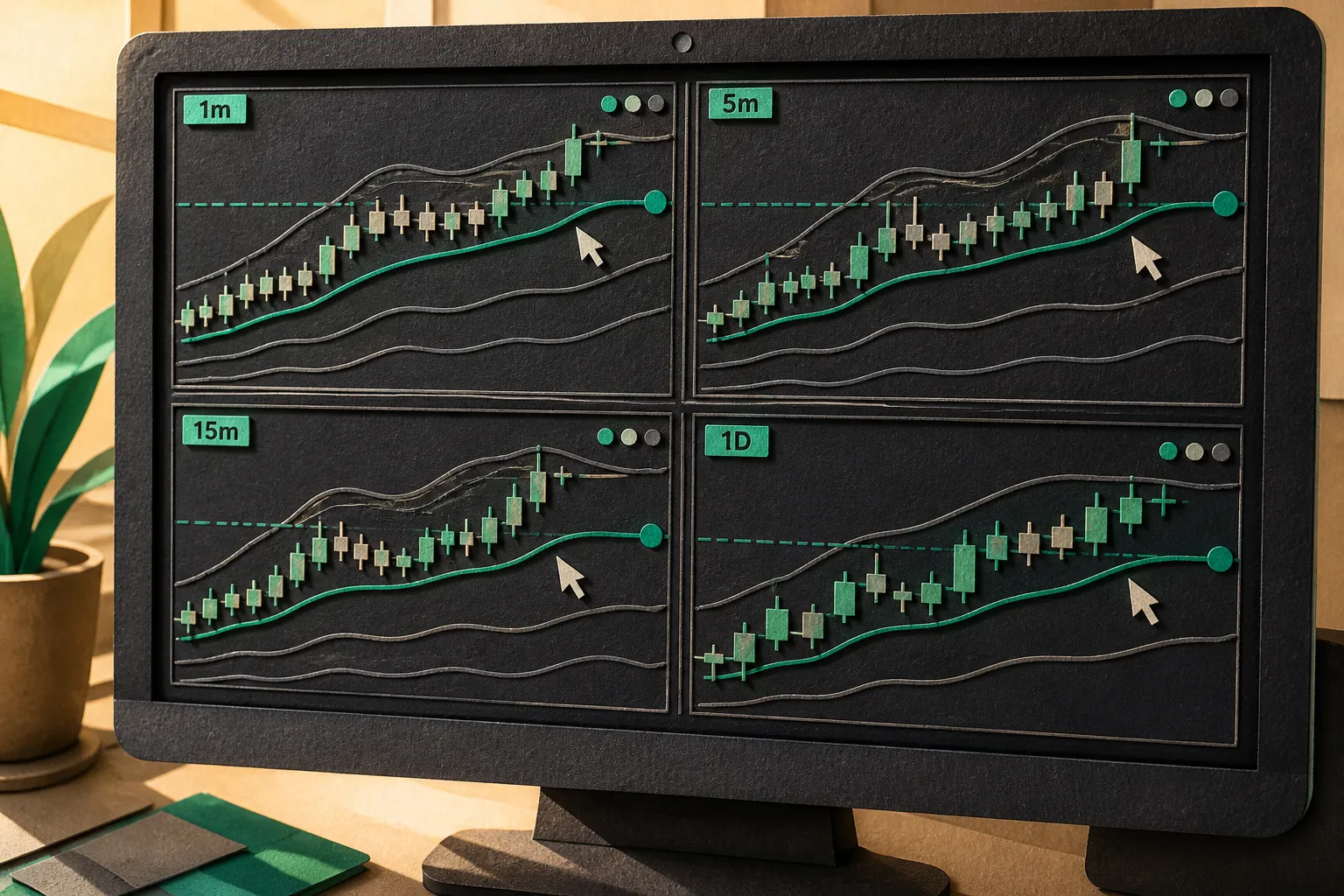
VWAP Trading Strategy: Entries, Stops, Targets and Alerts
Learn a VWAP trading strategy with clear entries, stops, targets, and alert rules. Use VWAP bands, timeframes, and layouts to plan and review trades.
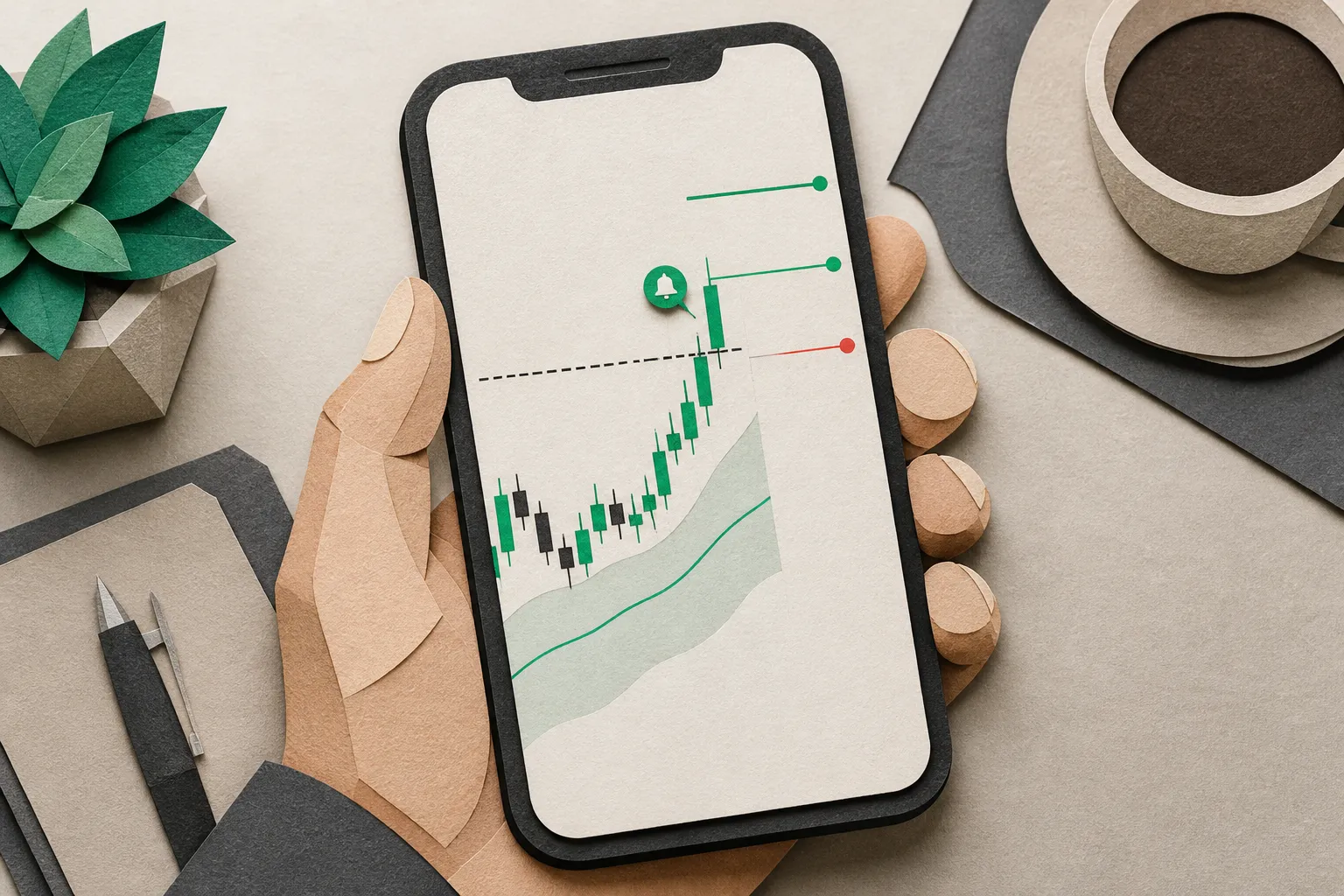
Breakout Alerts: Mark Levels, Plan Risk, Trade the Retest
Step-by-step breakout alerts: mark levels, set price alerts, map entry/stop/target, check odds with Entry Check, and sync your plan across devices.